Speech-to-text software for Linux users
Hold the hotkey. Get editable text.
OpenWhispr is Linux speech to text software for producing editable text with your voice. Configure the delivery path for your session, then choose Cloud for speed or local for offline, device-only transcription.
Open source · 80,000+ downloads

What gets in the way of Linux voice typing
The words are ready. Your desktop session is the question.
A useful Linux setup separates recognition from text delivery, then makes the limits visible before you rely on it.
Recognition and delivery are different jobs.
Getting words from speech is only half the workflow. The text still has to reach the focused field where you are writing. OpenWhispr treats that as a setup concern, not a promise hidden in the headline.
Wayland is not just X11 with a new name.
The app reads Wayland session signals and can see whether an Xwayland display is available. Within Wayland, it identifies GNOME, KDE and wlroots desktops. A setup that needs a helper should say so before you dictate a long note.
A missing helper is a broken workflow.
On Linux, text delivery can depend on wtype, ydotool or xdotool. OpenWhispr can surface installation guidance for the tools a session needs instead of leaving you to infer it from a silent failure.
A voice workflow needs a real test.
A short dictation is not enough. Test a real note in the focused field you use, then address any input permission or helper guidance before you make voice typing part of the day.
What Linux voice typing needs
One speaking workflow. Clear choices at each layer.
Choose where transcription runs, configure the Linux session you have, then review the text in the work you were already doing.

Choose Cloud when you want speed without a model download
OpenWhispr Cloud is the top-accuracy, high-speed route with no local model download. Audio sent to Cloud is transcribed, then immediately discarded.

Choose local when offline, device-only work matters
Every plan includes unlimited local AI models. Local transcription runs entirely on your device with no internet required, so you can keep working when a connection is not part of the setup.
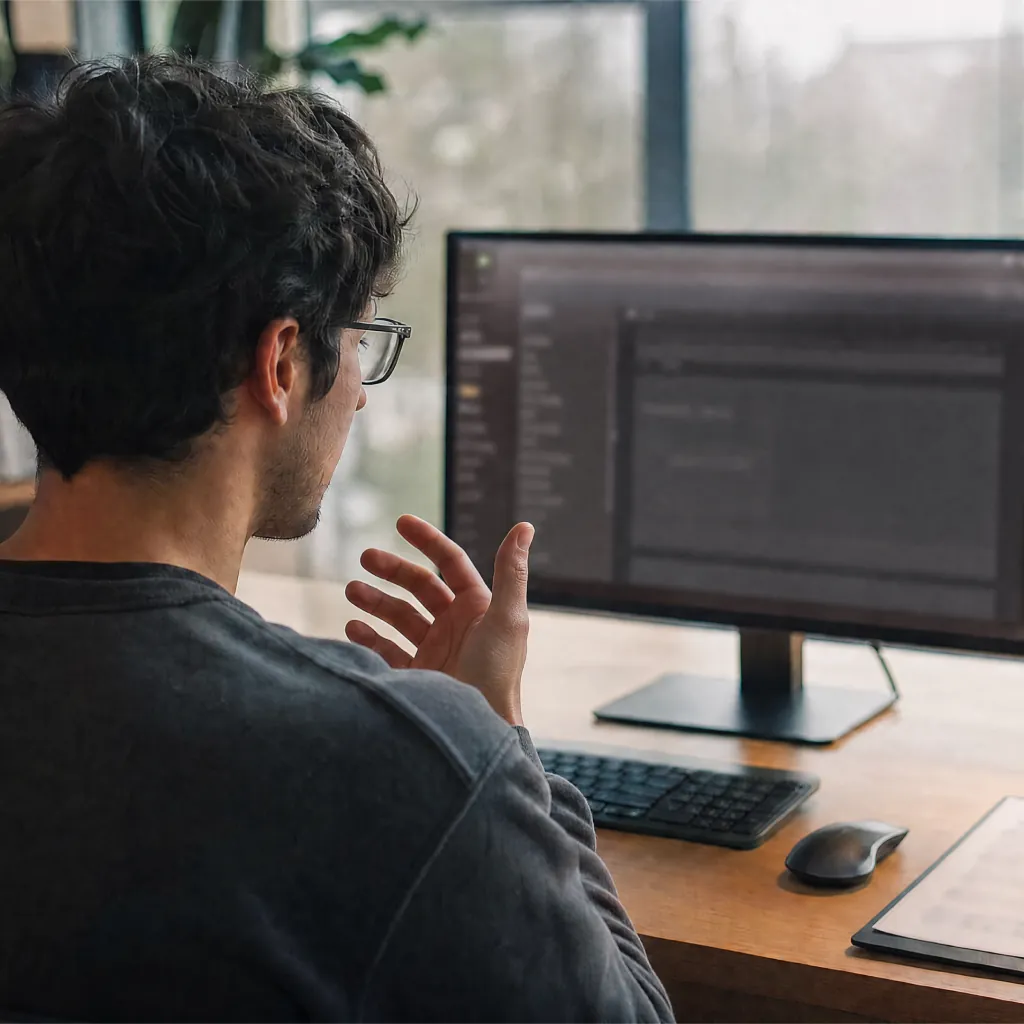
See Linux setup dependencies before they surprise you
The Linux key listener reports a missing binary or input permission. The app can also flag when a required paste tool is unavailable, so you can test the real delivery path before depending on it.
Cloud transcription audio stored
None
audio sent to OpenWhispr Cloud is transcribed, then immediately discarded
Cost to use local models
$0
unlimited local AI models are included on every plan
Free Cloud allowance
2,000
words of OpenWhispr Cloud transcription each week
How it works
Test the path from hotkey to editable text.
Start free, configure the Linux setup your session needs, and review the text before you make it part of real work.

Download for Linux.
Start with the desktop app. Local models are included, and Free also includes 2,000 OpenWhispr Cloud words each week.
Set the hotkey and choose a transcription path.
Choose Cloud for speed without a local download, or local for device-only transcription without internet. Then test the hotkey in your desktop session.
Review the delivery path in the app you use.
Confirm the text reaches the focused field as your session allows. If a paste helper or permission is missing, address that before you depend on the workflow.
No convincing needed
10 reasons Linux users choose OpenWhispr
Linux dictation is not one checkbox. These are the decisions that determine whether voice typing is useful on the machine you actually run.
Local transcription is included
Every plan includes unlimited local AI models. Choose that path when offline, device-only transcription is the requirement.
Cloud avoids a local model download
Cloud is the top-accuracy, high-speed option when you want a transcription path without first downloading a local model.
Cloud transcription audio is not stored
Audio sent to OpenWhispr Cloud is used to transcribe, then immediately discarded. That is separate from your choice to sync other data.
Your desktop session is part of the setup
OpenWhispr reads Wayland session signals and can see whether an Xwayland display is available. Within Wayland, it identifies GNOME, KDE and wlroots desktops as a concrete setup starting point.
Missing input permission is surfaced
The Linux key listener reports when it cannot access input devices. You can fix a known setup issue instead of guessing why a hotkey did not respond.
Paste-tool guidance is specific
When Linux text delivery needs help, OpenWhispr can identify a missing wtype, ydotool or xdotool path and show install commands for common distributions.
A key listener is built for Linux
The Linux key manager listens for key down and key up events, and includes a watchdog so a missed key release does not leave a held-key recording state stuck.
Inspect the Linux path before you adopt it
OpenWhispr is MIT-licensed. Inspect the session and text-delivery code before you choose it, rather than treating open source as a badge.
Names and jargon have a place to go
Every plan includes a custom dictionary for names, jargon and acronyms, so you can tune the terms that matter in your own voice workflow.
Test before you reorganize your work
Free local models let you test a real task in your app, desktop session and input environment before deciding whether more Cloud transcription is worth it.
Before you configure it
The questions Linux users ask before they rely on it.
Straight answers on delivery, desktop sessions, local models, Cloud transcription and what a paid plan changes.
Does OpenWhispr support Linux?
Will text always land at the cursor on Linux?
What is different about Wayland and X11?
Should I choose Cloud transcription or a local model?
Can I use it without internet?
What does a paid plan change for Linux voice typing?
What users say
For people who would rather speak than type.
Three user quotes, kept as supplied. The Linux setup still deserves a real test in your own session.
$0
Cost to test the local path
Every plan includes unlimited local AI models. Test your session's hotkey and delivery path before you pay for more Cloud transcription.
Started using OpenWhispr with my local models and hardware. I have to say, this is better than typing.
I switched to voice input for my Claude Code chats. Even when I stumble and rephrase mid-sentence, the transcription comes out clean and polished.
I needed a local model for when I'm travelling or have no WiFi, and this perfectly solves it. The UI and performance are great.
Pricing
Free forever.
Upgrade when you want more.
FreePopular $0No card details needed | Pro $6.67/每位使用者/月$80/用戶按年計費 Start with Pro | Business $13.33/每位使用者/月$160/用戶按年計費 Start with Business | |
|---|---|---|---|
| Best for | Linux users who want local models plus a limited Cloud allowance | Linux users who want unlimited Cloud transcription, sync, mobile and API/MCP access | Teams that need unlimited meeting recordings, chat over data and priority support |
| Main reason to choose | Unlimited local models and 2,000 OpenWhispr Cloud words each week | Unlimited Cloud transcription plus sync, mobile and API/MCP access | Unlimited meeting recordings, chat over data and priority support |
| Offline speech-to-textOffline speech-to-text runs entirely on your own device. It works without an internet connection and is unlimited and free. | Included | Included | Included |
| Cloud speech-to-textCloud speech-to-text sends audio to OpenWhispr Cloud for the highest accuracy and speed, with no local models to download. | 2,000 words/weekvia OpenWhispr Cloud, or unlimited using your own API keys | UnlimitedOpenWhispr Cloud speech-to-text | UnlimitedOpenWhispr Cloud speech-to-text |
| Meeting recordings | 5 hours/month | 20 hours/month | Unlimited |
| Privacy & data handling | Offline audio stays on your device. Cloud audio is sent only to transcribe it, then never stored. | Offline audio stays on your device. Cloud audio is sent only to transcribe it, then never stored. | Offline audio stays on your device. Cloud audio is sent only to transcribe it, then never stored. |
| Setup experience | Hands-on: install app, choose local models, optionally add API keys | Easy: install app, upgrade, use unlimited cloud speech-to-text | Moderate: configure users, Agent mode, and data workflows |
| Advanced features |
|
|
|
| Team management | None | None | Basic team / workflow use |
| Support | Community support | Email support | Priority support |
Need SSO, compliance features, admin controls, or dedicated support for a larger team?
We also offer a custom Enterprise plan.
Talk to us
Built in the open
Linux voice typing deserves an honest setup path.
OpenWhispr started with a simple objection: needing to type less should not force you to give up the desktop apps and documents you already rely on.
We build in public. The app is MIT-licensed, so you can inspect the code behind local models, Cloud transcription and Linux setup choices before you make one.
Free includes community support. Pro adds email support, and Business adds priority support.
Free · open source · local-first
Let your voice carry more of the typing on Linux.
Download OpenWhispr, configure your Linux session, and test whether editable text reaches the focused field where you actually write.
正在加載...Free on macOS, Windows and Linux. Paid plans add unlimited Cloud transcription, the iPhone and iPad app, sync and workflow tools.
- Written by
- Joshua Padoa
- Reviewed and fact checked by
- Wesley van der Hoop
- Last reviewed
Drafted with AI assistance