Dictation app for Windows
Speak at the cursor. Get editable text back.
Press your OpenWhispr shortcut in a document, email or message. Choose fast Cloud transcription or a local model, then review the text pasted back where you started.




Downloaded by 150k+ users

What gets in the way on Windows
Your thought is ready. The text box is still empty.
Built-in tools solve parts of the job. A dedicated dictation app should start fast, return editable text, and let you choose how speech is processed.
The connection decides when you can dictate.
Windows voice typing needs internet. Choose a local OpenWhispr model when you need dictation without a connection, and keep working in the same document or message.
The dictation control moves from app to app.
Word, Outlook and browser tools each start dictation differently. OpenWhispr uses one shortcut and a Windows paste path to return text to the field where you started.
Misheard names become a second typing job.
Add names, jargon and acronyms to the custom dictionary. The goal is editable text you can review, not a transcript that creates more correction work.
The paste should not erase what you copied.
OpenWhispr saves the clipboard before it pastes your transcript. If you have not copied something new, it restores the previous content afterward.
What you get
One shortcut. Editable text in the Windows app already open.
Speak from the field you are using. OpenWhispr transcribes the words, pastes the text back, and leaves you with a draft you can edit before sending.

Text returns to the window where you started
The Windows helper can restore the window captured at recording start before it pastes. Your document, reply or note stays the place where the work happens.

Paste the transcript, then restore the clipboard
OpenWhispr temporarily copies the transcript for the Windows paste. When the clipboard is still unchanged after the paste, your previous text, image or formatted content comes back.
Choose Cloud or local on the same PC
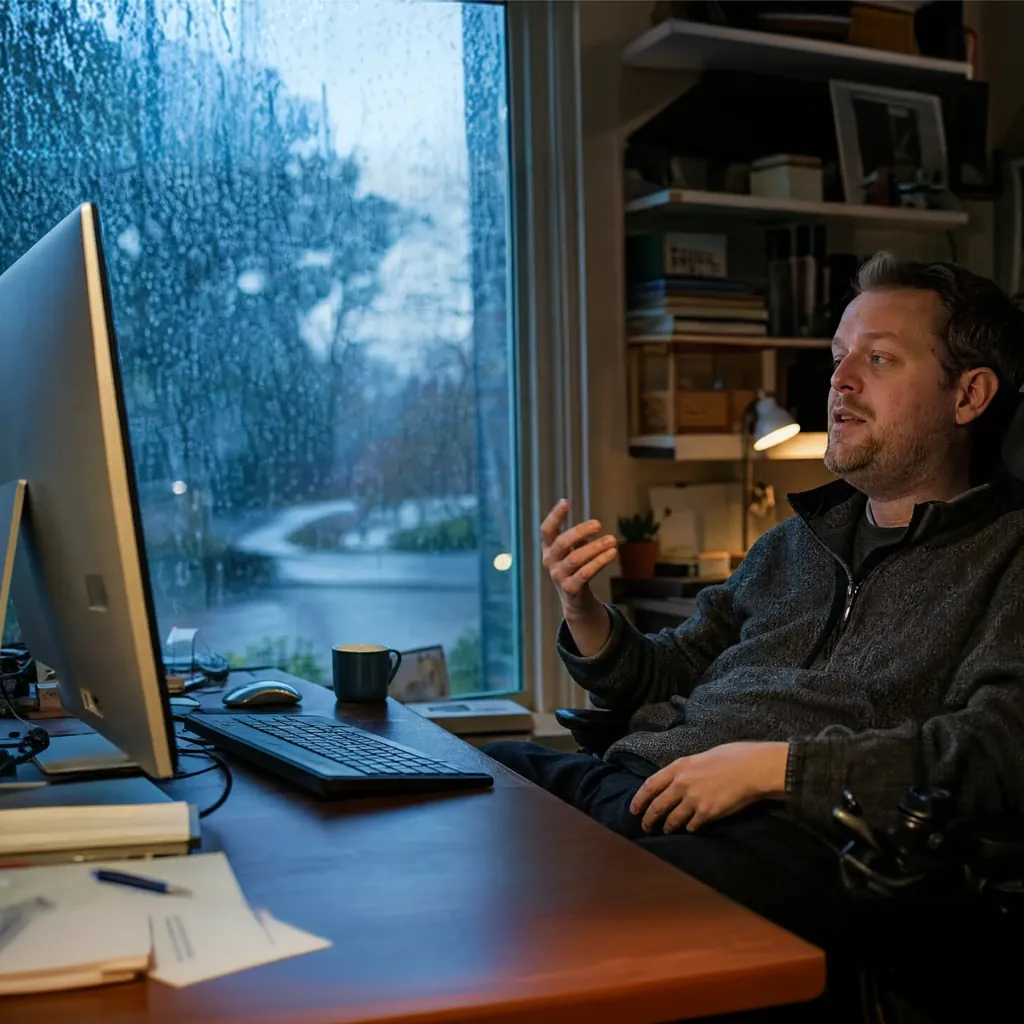
Use Cloud for top accuracy and speed without a model download. Use an unlimited local model for offline or device-only dictation. Neither choice changes where the editable text returns.
Speech sent to us in local mode
None
local transcription runs on your Windows PC
Cost to start dictating
$0
unlimited local dictation is included on Free
Setup takes
5 min
from download to your first dictated text
How it works
From spoken thought to editable Windows text in three steps.
Download the Windows app, choose fast Cloud transcription or an offline local model, then dictate from the field where the text belongs.
Download for Windows.
Install OpenWhispr. Start on Free without entering card details.
Put the cursor where the text belongs.
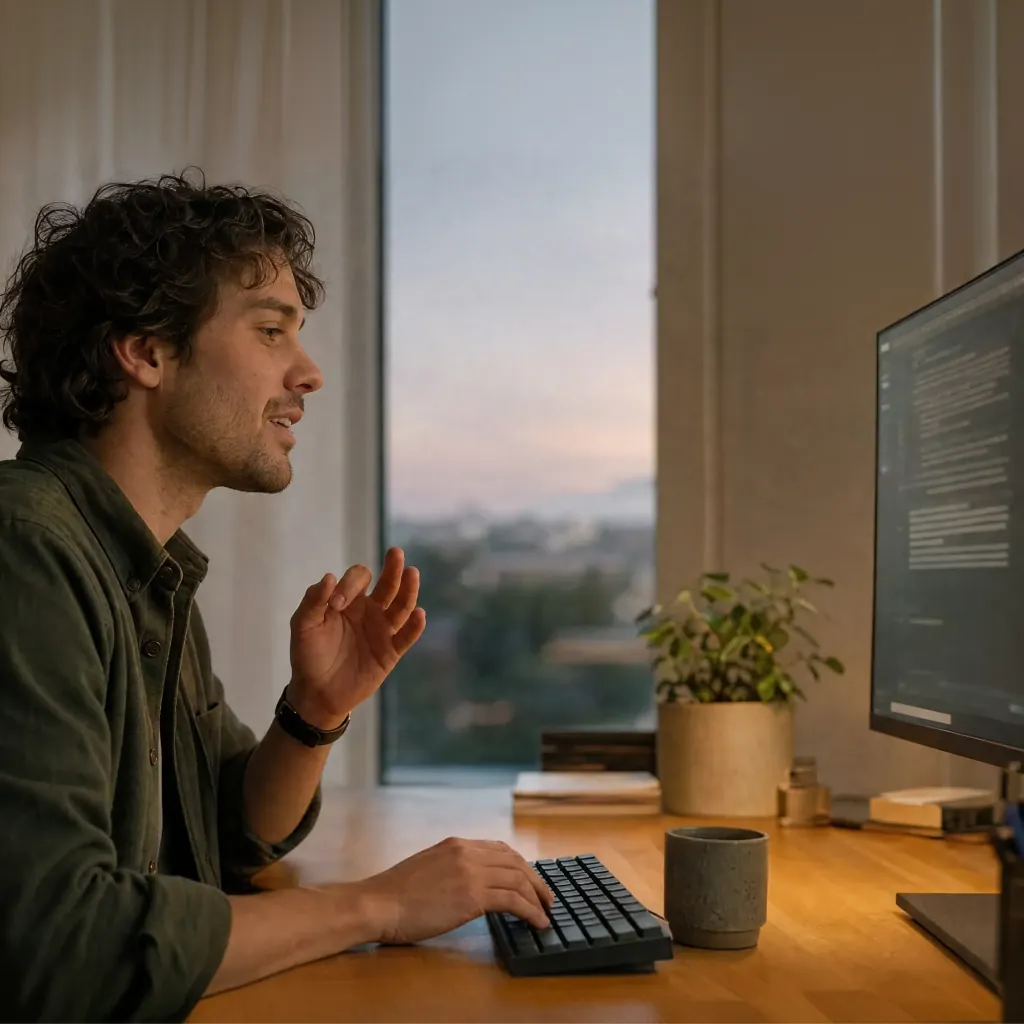
Open the document, email, chat or note, press your OpenWhispr shortcut, and speak.
Review the text in place.
OpenWhispr pastes the transcript back into the Windows field so you can edit, send or keep writing.
No convincing needed
10 reasons Windows users choose OpenWhispr
A dictation app has to fit the PC, the writing field and the way you want speech processed. Here is what OpenWhispr adds to that workflow.
One shortcut for the writing day
Start from the document, email, message or note already open. You do not need a different dictation button for each destination.
Install it for everyone, or just for you
The Windows installer adds desktop and Start menu shortcuts. On a work PC where you cannot install for all users, choose "Only for me".
Your previous clipboard can come back
After pasting, OpenWhispr restores the clipboard content it replaced when you have not copied something new in the meantime.
Local dictation works without internet
Download a local model once, then dictate on the PC when the network is unavailable or device-only processing is the right fit.
Cloud avoids a local model download
Choose Cloud when you want top accuracy, speed and consistent performance without asking the Windows PC to run the speech model.
Names and jargon get their own dictionary
Add the people, products and acronyms you type every day so review starts with the terms that matter to your work.
Dictation supports 100+ languages
Use the same Windows app when your work moves between languages instead of changing to a separate dictation tool.
Free is useful before you upgrade
Free includes unlimited local models, 2,000 Cloud words a week and five meeting-recording hours a month.
Pro expands the workflow beyond one PC
Pro adds unlimited Cloud transcription, Agent mode, device sync, mobile access and API or MCP access.
The Windows behavior is open source
Inspect how the app captures shortcuts, pastes text and packages its Windows helpers. The implementation is public on GitHub.
Before you download
Questions Windows users ask before switching.
Straight answers about the cursor workflow, internet, privacy, corrections and plans.
How is OpenWhispr different from Windows voice typing?
Does it integrate with Word, Outlook, Teams or Slack?
Do I need internet to dictate?
What happens to my audio?
Can it learn names and technical terms?
Is the Windows dictation app free?
What users say
Built for people who would rather speak than retype.
Real comments from people using OpenWhispr for local models, AI chats and offline work.
1
Shortcut across your Windows writing
Start from the text field already open, dictate once, and review the editable result there.
Started using OpenWhispr with my local models and hardware. I have to say, this is better than typing.
I switched to voice input for my Claude Code chats. Even when I stumble and rephrase mid-sentence, the transcription comes out clean and polished.
I needed a local model for when I'm travelling or have no WiFi, and this perfectly solves it. The UI and performance are great.
Pricing
Free forever.
Upgrade when you want more.
FreePopular $0No card details needed | Pro $6.67/user/mo$80/user billed annually Start with Pro | Business $13.33/user/mo$160/user billed annually Start with Business | |
|---|---|---|---|
| Best for | Windows users starting with unlimited local dictation and a limited Cloud allowance | Windows users who want unlimited Cloud transcription, Agent mode, sync, mobile and API or MCP access | Teams that need unlimited meeting recordings, chat over data and priority support |
| Main reason to choose | Useful Free access with unlimited local dictation and 2,000 Cloud words a week | Unlimited Cloud transcription plus Agent mode and cross-device workflow features | Unlimited meeting recordings plus chat over data and priority support |
| Offline speech-to-textOffline speech-to-text runs entirely on your own device, it works without internet connection, and it's unlimited and free. | Included | Included | Included |
| Cloud speech-to-textCloud speech-to-text sends audio to OpenWhispr Cloud for the highest accuracy and speed, with no local models to download. | 2,000 words/week via OpenWhispr Cloud, or unlimited using your own API keys | Unlimited OpenWhispr Cloud speech-to-text | Unlimited OpenWhispr Cloud speech-to-text |
| Meeting recordings | 5 hours/month | 20 hours/month | Unlimited |
| Privacy & data handling | Offline audio stays on your device. Cloud audio is sent only to transcribe it, then never stored. | Offline audio stays on your device. Cloud audio is sent only to transcribe it, then never stored. | Offline audio stays on your device. Cloud audio is sent only to transcribe it, then never stored. |
| Setup experience | Hands-on: install app, choose local models, optionally add API keys | Easy: install app, upgrade, use unlimited cloud speech-to-text | Moderate: configure users, Agent mode, and data workflows |
| Advanced features |
|
|
|
| Team management | None | None | Basic team / workflow use |
| Support | Community support | Email support | Priority support |
Need SSO, compliance features, admin controls, or dedicated support for a larger team?
We also offer a custom Enterprise plan with managed onboarding and tailored features.
Talk to us
Built in the open
A Windows dictation app you can inspect.
OpenWhispr starts with the field already under your cursor. Speak, receive editable text, and keep the document or message as the place where the work happens.
The source code and release history are public on GitHub. You can inspect the Windows shortcut listener, paste path and packaged helpers, including the code that keeps local dictation on the PC.
And if anything breaks, you talk to the people who built it, in Discord.
Free · open source · local-first
Speak the next sentence. Review it at the cursor.
Download OpenWhispr, open the field where the words belong, and speak. Review the editable text there before you send it.
Download for freeTakes 5 minutes to set up. If it doesn't work, we'll fix it with you in Discord. Free forever on Mac, Windows & Linux.