
Speech-to-text software for Ubuntu users
Press the hotkey. Get text at your cursor.
Speak into the document, message or prompt you already have open. Choose Cloud for a fast start without a local model download, or local for offline and sensitive work.




Downloaded by 150k+ users

What makes voice typing feel unfinished
You need text in this field, not a transcript in another tab.
A hotkey should turn one spoken paragraph into an editable draft where you are already writing. It should not turn that paragraph into a browser, script, or copy-paste detour.
A browser tab leaves you copying.
You are writing a reply, document, or prompt now. Browser transcription makes the words arrive somewhere else first. OpenWhispr is a desktop app for the moment the field in front of you needs a first draft.
Source-code setup is not a shortcut.
A usable Ubuntu dictation tool starts as a Linux desktop app. You should be choosing how to transcribe, not assembling a voice-typing workflow before you can write one sentence.
Wayland auto-paste is conditional.
OpenWhispr chooses a compositor-specific paste method instead of promising the same behavior on every desktop session. KDE with XWayland tries the RemoteDesktop portal first; GNOME and other Wayland compositors try Linux input access first, then use later fallbacks.
A missed paste should not erase the sentence.
When automatic paste is unavailable, OpenWhispr copies the completed transcription to the clipboard. Paste it with Ctrl+V, edit it, and carry on without dictating the paragraph again.
The whole voice-to-text loop
Speak. See editable text. Keep writing.
The job is typing by voice in the field you already opened. Cloud and local models are two deliberate ways to do it, not separate products.

One hotkey for the field you are in
Put the cursor where the sentence belongs, press the global hotkey, speak, and release. With auto-paste available, OpenWhispr puts the transcription in the active app. Otherwise it is ready in the clipboard.

Set up automatic paste for your desktop session
On Wayland, OpenWhispr chooses a compositor-specific paste method. On GNOME and KDE, approve the RemoteDesktop permission when asked. If automatic paste cannot reach the field, the completed transcription stays in the clipboard.
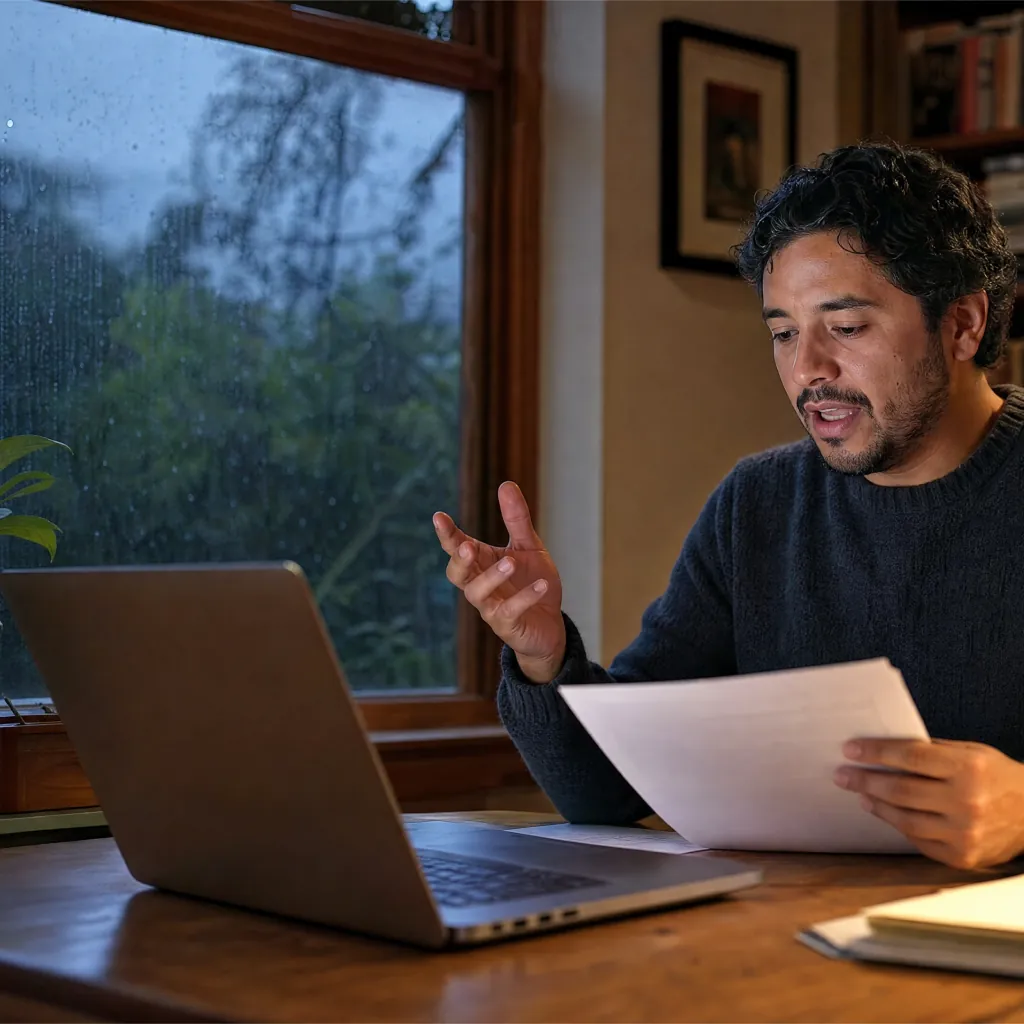
Choose Cloud or local for the conditions
Choose OpenWhispr Cloud for top accuracy and speed without a local model download, with audio discarded after transcription. Download Whisper or Parakeet when offline or device-only transcription is the better fit.
Local-mode audio uploaded
None
a downloaded model transcribes on your Ubuntu device
Cost for local dictation
$0
unlimited local AI models on every plan
When automatic paste fails
Ctrl+V
the transcription is copied for a manual paste
How it works on Ubuntu
Start in the field you want to fill.
Install the Linux desktop app, choose Cloud or a local model, then use the hotkey in the document, reply, or prompt already in front of you.

Install and choose a transcription path.
Download the Linux desktop app. Choose OpenWhispr Cloud to start without downloading a model, or download a local Whisper or Parakeet model for device-only transcription.
Put the cursor where the sentence belongs.
Open your document, message, or prompt. Put the cursor where the sentence belongs, press the global hotkey, speak, then release it.
Review the text where you work.
With auto-paste set up, OpenWhispr sends the text to the active app. Otherwise paste the completed transcription from the clipboard, then edit, send, or save it.
The parts that make it usable
10 reasons Ubuntu users choose OpenWhispr
The result should be editable text where you are writing. These are the product choices and Linux details that make that workflow practical.
Start at the cursor you already need
Put the cursor in the document, reply, or prompt first. The global hotkey turns the spoken paragraph into text for the active app, so your draft starts where the next sentence belongs.
Use a Linux desktop app, not a browser detour
OpenWhispr ships Linux desktop targets, including a Debian package. Install the app, set a hotkey, and dictate from the program where the writing is already happening.
Wayland auto-paste has a visible setup path
OpenWhispr does not promise one Wayland paste path. KDE with XWayland tries the RemoteDesktop portal first; GNOME and other Wayland compositors try Linux input access first, then use later fallbacks. The Debian package recommends wl-clipboard for clipboard support.
Clipboard mode is still a usable fallback
If automatic paste is not available, the transcription is copied to the clipboard. One Ctrl+V puts the completed sentence in the focused field without repeating the dictation.
Cloud skips the local-model download
Choose OpenWhispr Cloud when you want top accuracy and speed without managing a local model. Cloud audio is sent only to transcribe it, then never stored.
Local works offline and stays on the device
Download a Whisper or Parakeet model once, then transcribe without an internet connection. The local path keeps the audio and transcription work on your Ubuntu machine.
Speak one language, paste another
Use the dedicated translation hotkey to dictate in one language and paste text in another. It still starts from the focused field, not a separate transcription queue.
Keep project words out of the correction loop
Add project names, technical terms, and acronyms to the custom dictionary. It helps OpenWhispr put the spelling you use into the field already open, so you edit instead of retype it.
Choose the engine for the language you speak
Before you dictate into the next field, choose an engine that supports the language you speak. The website's 100+ refers to the underlying Whisper model family; the app currently offers 60 selectable transcription languages plus auto-detect.
The local path starts at $0
Every plan includes unlimited local AI models. Start with device-only dictation at no cost, then use the plan comparison to decide whether Cloud's no-download convenience is worth an upgrade.
Before you install
Six Ubuntu questions worth answering first.
Straight answers on typing by voice, Wayland setup, offline work, and where your audio goes.
Can this replace the keyboard for a paragraph?
Does automatic paste work on Ubuntu Wayland or X11?
Should I choose Cloud or a local model?
Can I dictate with no internet connection?
Can it handle my project names and acronyms?
What does a paid plan add after the free local path?
What users say
Built for people who need text in the field they are using.
Three users on why local models, voice input, and offline work changed their typing workflow.
At your cursor
Where live dictation belongs
With automatic paste available, OpenWhispr puts the transcription in the active app. Otherwise, it remains in the clipboard for you to paste and review there.
Started using OpenWhispr with my local models and hardware. I have to say, this is better than typing.
I switched to voice input for my Claude Code chats. Even when I stumble and rephrase mid-sentence, the transcription comes out clean and polished.
I needed a local model for when I'm travelling or have no WiFi, and this perfectly solves it. The UI and performance are great.
Pricing
Free forever.
Upgrade when you want more.
FreePopular $0No card details needed | Pro $6.67/user/mo$80/user billed annually Start with Pro | Business $13.33/user/mo$160/user billed annually Start with Business | |
|---|---|---|---|
| Best for | Ubuntu users who want unlimited local dictation with a limited Cloud allowance | Ubuntu users who want unlimited Cloud dictation without a local model download | People who need paid desktop workflow features beyond unlimited Cloud dictation |
| Main reason to choose | Unlimited local dictation, plus 2,000 OpenWhispr Cloud words each week | Unlimited Cloud dictation, plus sync, API and MCP access | Unlimited Cloud dictation, team features, chat over your data and priority support |
| Offline speech-to-textOffline speech-to-text runs entirely on your own device, it works without internet connection, and it's unlimited and free. | Included | Included | Included |
| Cloud speech-to-textCloud speech-to-text sends audio to OpenWhispr Cloud for the highest accuracy and speed, with no local models to download. | 2,000 words/week via OpenWhispr Cloud, or unlimited using your own API keys | Unlimited OpenWhispr Cloud speech-to-text | Unlimited OpenWhispr Cloud speech-to-text |
| Meeting recordings | 5 hours/month | 20 hours/month | Unlimited |
| Privacy & data handling | Offline audio stays on your device. Cloud audio is sent only to transcribe it, then never stored. | Offline audio stays on your device. Cloud audio is sent only to transcribe it, then never stored. | Offline audio stays on your device. Cloud audio is sent only to transcribe it, then never stored. |
| Setup experience | Hands-on: install app, choose local models, optionally add API keys | Easy: install app, upgrade, use unlimited cloud speech-to-text | Moderate: configure users, Agent mode, and data workflows |
| Advanced features |
|
|
|
| Team management | None | None | Basic team / workflow use |
| Support | Community support | Email support | Priority support |
Need SSO, compliance features, admin controls, or dedicated support for a larger team?
We also offer a custom Enterprise plan with team features and admin, SSO, SAML and SCIM, audit logs, retention controls, and dedicated support.
Talk to us
Built for the Ubuntu desktop
The sentence belongs in your app, not in a transcription queue.
OpenWhispr starts from a simple expectation: a hotkey should turn a spoken thought into editable text for the Ubuntu app where the cursor already is. The rest of the desktop workflow should not become somebody else's project.
We build in public. The desktop app is MIT licensed on GitHub. You can inspect the Linux downloads, local-model choices, and Wayland setup path before choosing how you want to transcribe.
And if anything breaks, you talk to the people who built it, in Discord.
Free · open source · built for desktop dictation
Put the next sentence at your Ubuntu cursor.
Download OpenWhispr, choose Cloud or a local model, then speak into the document, message, or prompt already open. Review the text where it lands.
Download for freeFree local models on Linux. Cloud starts with 2,000 words each week.
- Written by
- Joshua Padoa
- Reviewed and fact checked by
- Wesley van der Hoop
- Last reviewed
Drafted with AI assistance