Speech-to-text software for students
Hit record in the lecture. Get the notes written up.
Turn a lecture into readable notes on your laptop. OpenWhispr records the room or the stream, and one tap on Generate Notes turns the transcript into headings and key points for $0 with a local model.
Open source · 80,000+ downloads

The problem with lecture notes
You cannot listen and write at the same time.
A lecture runs at the speed of speech. Writing notes pulls your attention away from following the argument.
The notes you take are the lecture you missed.
Every sentence you write down is a sentence you stop listening to. Let the recording take the words and keep your attention on the whiteboard instead.
A two-hour recording takes two hours to replay.
Audio is hard to revisit when you cannot skim it. OpenWhispr hands back text and structured notes you can scan before replaying anything.
Pick the right mode for exam month.
Use local transcription for unlimited on-device transcription at $0, or Cloud for top accuracy and speed without downloading a model. Free includes 2,000 words of Cloud transcription a week and 5 hours of meeting recordings a month; Pro adds unlimited Cloud transcription and 20 recording hours.
Your lectures, sitting on a company's server.
Most transcription tools upload the audio to process it. In local mode OpenWhispr keeps the recording on your laptop, and the code is public on GitHub so you can check that yourself.
What you get
The lecture, written up before you get home.
Recording is the easy half. What makes a lecture useful in week nine is text you can search and notes you can read.
Records the room or the stream
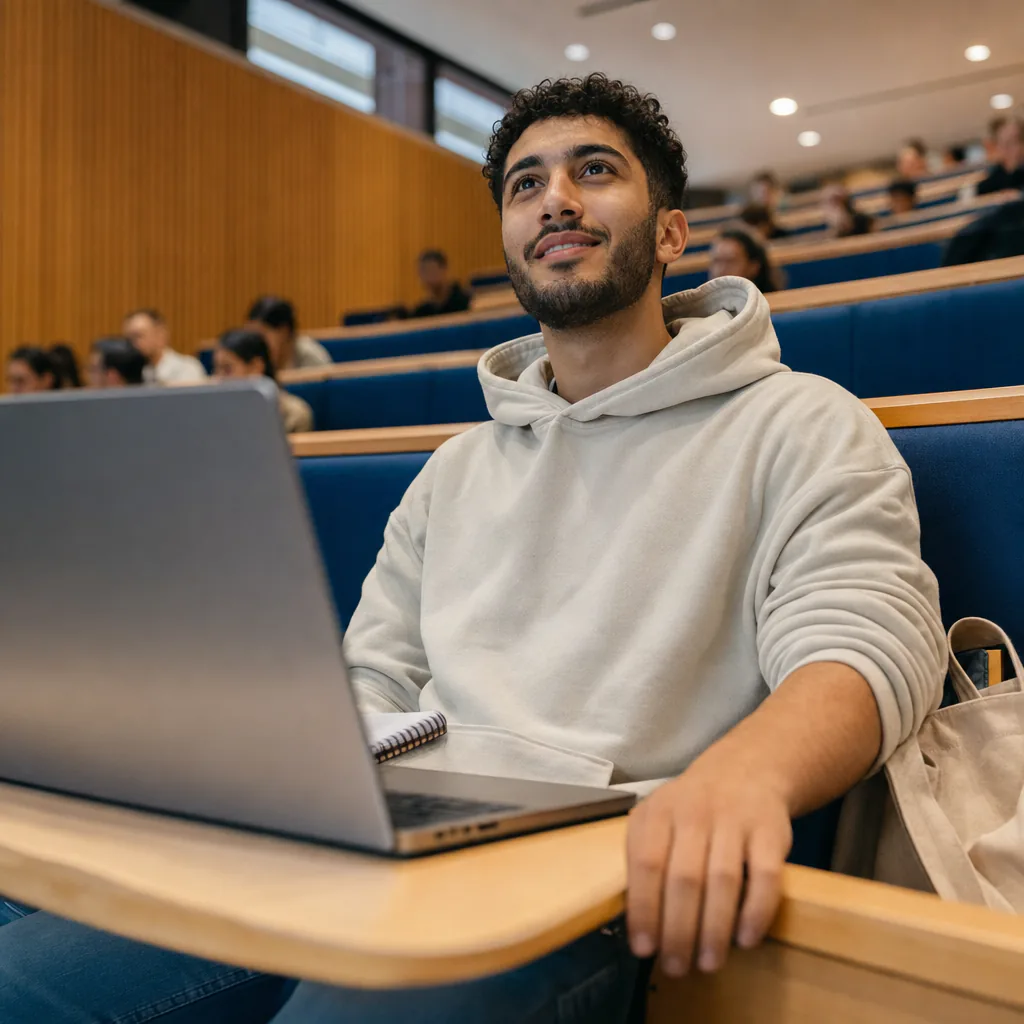
In the lecture hall it records through the mic. For a Zoom, Teams or Panopto lecture it captures the audio playing on your laptop. Mac, Windows and Linux.

Notes, not a wall of transcript
The transcript goes through a write-up step that returns headings, key points and action items in markdown. With a local AI model that step runs on your laptop too.

Dictation for everything after
Press a hotkey anywhere and talk. Clean text lands in Google Docs, Word or Overleaf, so the essay that follows the lecture gets said out loud instead of typed.
Lecture audio sent to us
None
in local mode, recording and transcription run on your laptop
Cost per student
$0
unlimited local transcription and write-ups, no card, no expiry
Setup takes
5 min
from download to your first recorded lecture
How it works
Three steps, and you leave with the write-up.
The whole setup is one download and one model choice. There is nothing to sign up for.

Download for free.
Mac, Windows or Linux. Pick a local model during setup and the whole thing runs offline.
Hit record when the lecture starts.
It takes the room through your mic, or the stream through your laptop's audio. Then you just listen.
Tap Generate Notes.
The transcript comes back as headings, key points and action items. Search those in revision week instead of scrubbing audio.
No convincing needed
10 reasons students choose OpenWhispr
On a student budget, cost comes first.
Free forever, no card details
Unlimited local transcription and note write-ups at $0, with no trial or semester limit.
No bot joins the call
OpenWhispr captures audio directly from your system; it does not join meetings as a participant.
Your own notes go in the same file
Type a line during the lecture and the write-up folds it in with what was said.
Works with no WiFi
Local models run offline. A basement lecture theatre, the train home, a flight: it still records and still transcribes.
Recordings stay on your laptop
In local mode the audio is transcribed on your device, and the open-source code shows the local path never uploads it.
Searchable in revision week
Search a term in your write-ups instead of scrubbing audio.
Use a custom dictionary in the write-up
Add lecturer names, module codes and technical terms to the custom dictionary to give the write-up the spellings you use.
100+ languages
Sit a lecture in your second language and read the notes in it, or dictate your essay in your first.
Upgrade for unlimited cloud transcription
The free plan includes 2,000 words a week of OpenWhispr Cloud transcription. Pro is $8/month for unlimited Cloud transcription. Students get 40% off for 12 months; email support@openwhispr.com with proof of enrolment for a code.
Open source, under the MIT license
Read the code before you install it. No privacy policy to take on faith.
Before you download
The questions students ask first.
Straight answers on cost, permission and what your university will think. If yours is not here, ask us in Discord.
Is it actually free, or free for a month?
Am I allowed to record a lecture?
Does it work for online lectures as well as in-person ones?
Will it get my subject's terminology right?
Is using the AI write-up cheating?
Where does my recording actually go?
What users say
Built by people who take notes in bad WiFi too.
From our Discord, GitHub and inboxes.
0
Lecture recordings kept on our servers
In local mode the recording never leaves your laptop. On cloud, audio is sent only to transcribe it and is not stored after that.
Started using OpenWhispr with my local models and hardware. I have to say, this is better than typing.
I switched to voice input for my Claude Code chats. Even when I stumble and rephrase mid-sentence, the transcription comes out clean and polished.
I needed a local model for when I'm travelling or have no WiFi, and this perfectly solves it. The UI and performance are great.
Pricing
Free forever.
Upgrade when you want more.
FreePopular $0No card details needed | Pro $6.67/user/mo$80/user billed annually Start with Pro | Business $13.33/user/mo$160/user billed annually Start with Business | |
|---|---|---|---|
| Best for | Students recording lectures on their own laptop, with unlimited local transcription and notes | Students who want cloud transcription that just works, with no local models to download | Research groups and societies recording at volume |
| Main reason to choose | No meter and no card on the local side, with the recording staying on your laptop | Unlimited cloud speech-to-text without managing local models or keys | Unlimited cloud meeting recordings plus speaker labels for group work |
| Offline speech-to-textOffline speech-to-text runs entirely on your own device, it works without internet connection, and it's unlimited and free. | Included | Included | Included |
| Cloud speech-to-textCloud speech-to-text sends audio to OpenWhispr Cloud for the highest accuracy and speed, with no local models to download. | 2,000 words/week via OpenWhispr Cloud, or unlimited using your own API keys | Unlimited OpenWhispr Cloud speech-to-text | Unlimited OpenWhispr Cloud speech-to-text |
| Meeting recordings | 5 hours/month | 20 hours/month | Unlimited |
| Privacy & data handling | Offline audio stays on your device. Cloud audio is sent only to transcribe it, then never stored. | Offline audio stays on your device. Cloud audio is sent only to transcribe it, then never stored. | Offline audio stays on your device. Cloud audio is sent only to transcribe it, then never stored. |
| Setup experience | Hands-on: install app, choose local models, optionally add API keys | Easy: install app, upgrade, use unlimited cloud speech-to-text | Moderate: configure users, Agent mode, and data workflows |
| Advanced features |
|
|
|
| Team management | None | None | Basic team / workflow use |
| Support | Community support | Email support | Priority support |
Need SSO, compliance features, admin controls, or dedicated support for a larger team?
We also offer a custom Enterprise plan with managed onboarding and tailored features.
Talk to us
Built in the open
A lecture you can read shouldn't need a subscription.
OpenWhispr is for students who want to turn lectures into readable notes without a subscription.
We build in public. The code and releases are on GitHub, where 5,000+ engineers have starred the project. When we say the recording stays on your laptop, that's not a promise in a privacy policy. It's a property of the code, and you do not have to take our word for it.
And if anything breaks, you talk to the people who built it, in Discord.
Free · open source · local-first
Turn your 9am into notes with one tap.
Download OpenWhispr, hit record when the lecture starts, and read the notes on the way home. On your laptop, at $0, with no card details.
Download for freeFree forever on Mac, Windows & Linux.