Physician dictation software for clinical notes
Press the hotkey. Fill the chart field you're in.
Dictate the HPI, exam, assessment and plan into the EHR field you already opened. Choose a local model so transcription runs on your computer. OpenWhispr is free and open source.
Open source · 80,000+ downloads
The problem with charting by keyboard
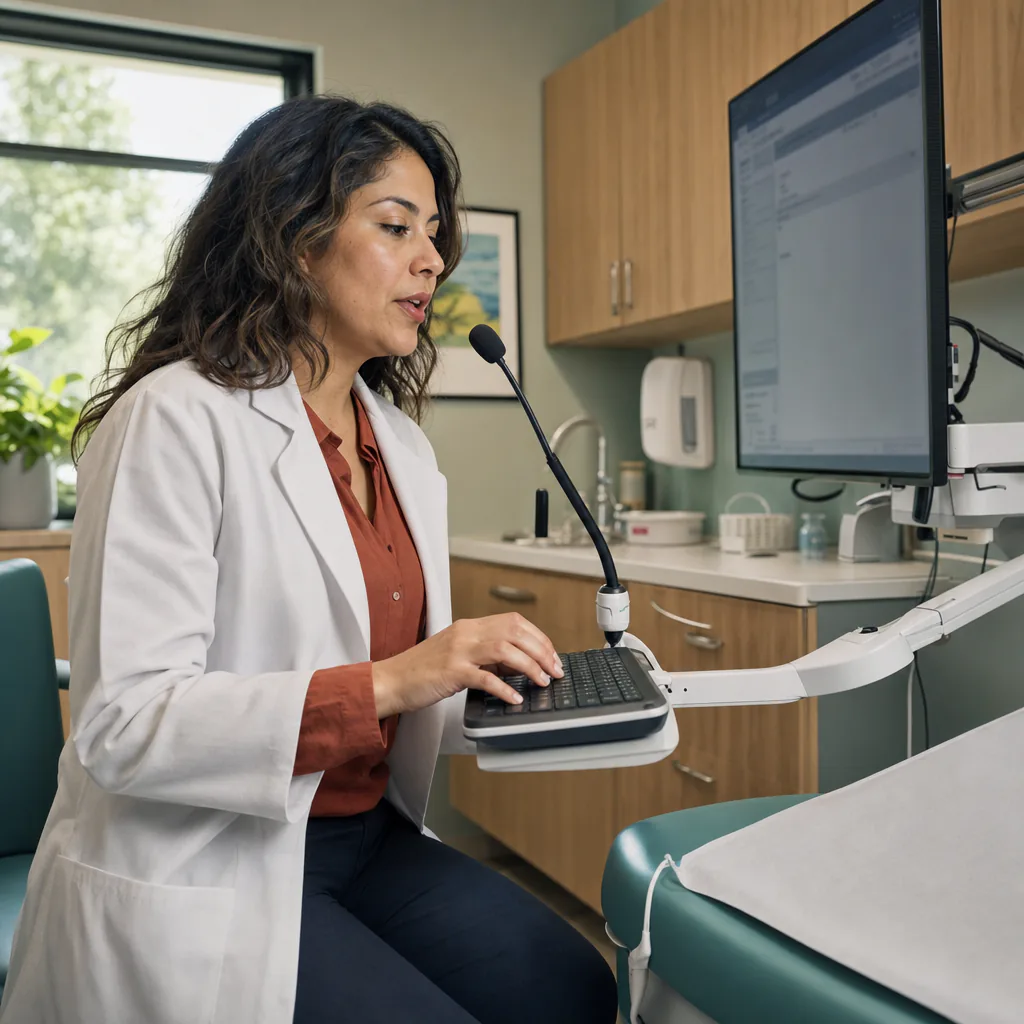
The visit ended. The chart did not.
HPI, exam, assessment, plan, inbox. Every empty field is another piece of the visit waiting to be typed.
Open charts stack up between patients.
The encounter is over, but the HPI and assessment are still blank. Dictate while the details are fresh.
Every field breaks your train of thought.
Click HPI, type. Click exam, type. Click assessment, type again. OpenWhispr leaves the EHR open and puts the transcript at the active cursor.
One drug name becomes five corrections.
Generic dictation trips over medication names, eponyms and local abbreviations. Add the terms you use to OpenWhispr's custom dictionary.
A five-minute trial needs an IT ticket.
You want to test dictation on one chart, not provision a practice. Local mode starts with a desktop download and no account.
What you get
Less keyboard. Fewer open charts.
Physician dictation software should fit the note template already on screen. OpenWhispr turns speech into text at your cursor without making you rebuild the workflow around it.
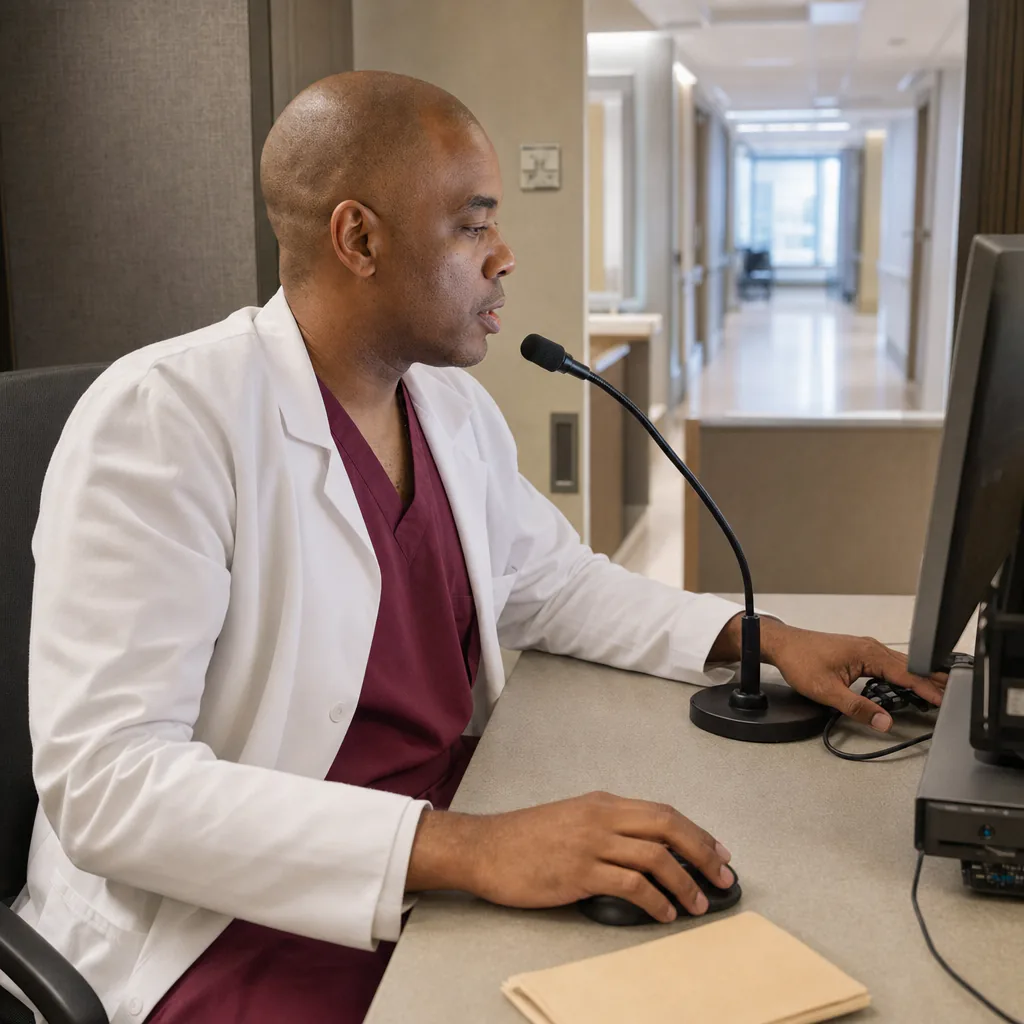
HPI and assessment at the active cursor
Open the note, place the cursor and press the hotkey. Your dictation is transcribed and pasted into that field, ready for review.

Your medication names in the dictionary
Add the drugs, procedures, clinician names and abbreviations that keep coming back wrong. OpenWhispr passes those terms to transcription.

Keep dictating when ward Wi-Fi drops
Download a local model once. Then transcribe on the workstation in clinic, at home or on rounds without an internet connection.
Audio uploaded in local mode
None
in local mode, transcription runs on the physician's device
Cost per physician
$0
unlimited local dictation on every desktop plan
Setup takes
5 min
from download to your first dictated chart field
How it works
Finish the chart you already have open.
Keep the EHR workflow you already know. OpenWhispr adds a hotkey and local transcription, with no account or card required to start.

Download for free.
Mac, Windows or Linux. Choose a local model during setup.
Put the cursor in the chart.
Open the HPI, exam or assessment field, press the hotkey and dictate.
Review and sign.
Read the inserted text, correct what needs correcting, then finish the note in the EHR.
No convincing needed
10 reasons physicians choose OpenWhispr
Try one workstation, one chart field and one local model. These are the ten things to check.
No copy-and-paste detour
Dictate inside the open chart field. Review the inserted text there, then continue the note.
One hotkey across desktop apps
Use the same dictation control in the EHR, a portal reply, an email or a document.
A dictionary for your clinical vocabulary
Add drug names, procedures, eponyms and abbreviations as recognition hints for supported transcription and cleanup paths.
Local mode stays on the workstation
Choose a local model and dictation is transcribed on the device. Cloud fallback is a separate opt-in setting.
Works fully offline
Once the local model is downloaded, dictation keeps working without internet in clinic, at home or on a ward.
Unlimited local dictation at $0
Every desktop plan includes unlimited use of local speech-to-text models.
Mac, Windows and Linux
Use it on the desktop operating system your workstation already runs.
Open source, inspectable by IT
Your organization can review the code on GitHub instead of taking the local-mode claim on faith.
100+ languages
OpenWhispr supports 100+ languages. Availability varies by local model and cloud provider.
Local or cloud dictation in Settings
Choose Local or Cloud for dictation during setup, and change that dictation setting later when your workflow changes.
Before you download
What physicians ask before changing dictation software.
Straight answers on EHR fields, terminology, patient data, offline use and cost.
What is the best physician dictation software for EHR notes?
Does OpenWhispr integrate with my EHR?
How does it handle medication names and clinical abbreviations?
Can I dictate patient information?
Will it work when the hospital network or Wi-Fi does not?
Is it actually free?
What users say
What users notice when voice replaces the keyboard.
Verbatim notes from our Discord, GitHub and inboxes.
0
Per-physician licences for local dictation
Unlimited local dictation is included at $0 on every desktop plan.
Started using OpenWhispr with my local models and hardware. I have to say, this is better than typing.
I switched to voice input for my Claude Code chats. Even when I stumble and rephrase mid-sentence, the transcription comes out clean and polished.
I needed a local model for when I'm travelling or have no WiFi, and this perfectly solves it. The UI and performance are great.
Pricing
Start free with local dictation.
Upgrade for cloud or team features.
FreePopular $0No card details needed | Pro $6.67/user/mo$80/user billed annually Start with Pro | Business $13.33/user/mo$160/user billed annually Start with Business | |
|---|---|---|---|
| Best for | Physicians who want free offline dictation at the active cursor and can set up a local model | Physicians who want unlimited cloud transcription and mobile dictation | Practices and teams documenting at volume |
| Main reason to choose | Unlimited on-device dictation with no per-physician fee | Unlimited cloud dictation without downloading a local model | Unlimited recordings and priority support for a practice |
| Offline speech-to-textOffline speech-to-text runs entirely on your own device, it works without internet connection, and it's unlimited and free. | Included | Included | Included |
| Cloud speech-to-textCloud speech-to-text sends audio to OpenWhispr Cloud for the highest accuracy and speed, with no local models to download. | 2,000 words/week via OpenWhispr Cloud, or unlimited using your own API keys | Unlimited OpenWhispr Cloud speech-to-text | Unlimited OpenWhispr Cloud speech-to-text |
| Meeting recordings | 5 hours/month | 20 hours/month | Unlimited |
| Privacy & data handling | Offline audio stays on your device. Cloud audio is sent only to transcribe it, then never stored. | Offline audio stays on your device. Cloud audio is sent only to transcribe it, then never stored. | Offline audio stays on your device. Cloud audio is sent only to transcribe it, then never stored. |
| Setup experience | Hands-on: install app, choose local models, optionally add API keys | Easy: install app, upgrade, use unlimited cloud speech-to-text | Moderate: configure users, Agent mode, and data workflows |
| Advanced features |
|
|
|
| Team management | None | None | Basic team / workflow use |
| Support | Community support | Email support | Priority support |
Need SSO, compliance features, admin controls, or dedicated support for a larger team?
We also offer a custom Enterprise plan with managed onboarding and tailored features.
Talk to us
Built in the open
The path from microphone to chart should be inspectable.
Physicians should not have to guess what a dictation tool does between the microphone and the chart. OpenWhispr makes that path visible in public code.
Your organization can inspect the local-mode implementation on GitHub instead of relying only on a privacy page.
And if anything breaks, you talk to the people who built it, in Discord.
Free · open source · local-first
Finish the chart before you open the next one.
Review the inserted text, sign the note and move on.
Download for freeTakes 5 minutes to set up. If it doesn't work, ask us for help in Discord. Free forever on Mac, Windows & Linux.