Dictation app for MacBook
Hold the Globe key. Get the whole thought down.
Talk through any pause, nothing to fix afterward. It transcribes on your MacBook's own chip, so it keeps working on battery with no signal.




Downloaded by 150k+ users

What breaks macOS dictation on a MacBook
You paused to think. It stopped listening.
Away from a desk, on battery, on the mic already built into the lid, the built-in tool keeps cutting the thought off before it lands.
It stops after 30 seconds of silence.
macOS Dictation ends automatically when it hears no speech for 30 seconds, Apple's own documented limit. Every pause to think is a chance it quits on you mid-sentence. OpenWhispr's hotkey stays recording for as long as you hold or toggle it. No silence timer to outrun.
Names come back mangled.
One MacBook owner who dictates because typing hurts their hands found macOS's own Dictation turning a name they were writing about into a different name entirely, and called the result unusable. OpenWhispr's custom dictionary learns the names, clients and jargon you actually say, so they come out right.
Punctuation is a spoken chore.
Say the word 'comma' out loud or it doesn't appear, outside a handful of supported languages. OpenWhispr transcribes full sentences, not commands, so you talk like you talk and the punctuation is already there.
A plane, a train, a café with no signal.
A MacBook runs all day on battery, on a built-in mic, in rooms you don't control: a flight, a shared desk, a hotel room with no wifi. Local transcription runs on your MacBook's own Apple Silicon chip, so none of that stops you dictating.
What you get
Dictation that keeps up with a laptop that moves.
Run it fully offline on your MacBook's own chip, or switch to Cloud when you're at a desk and want the fastest, most consistent transcription.
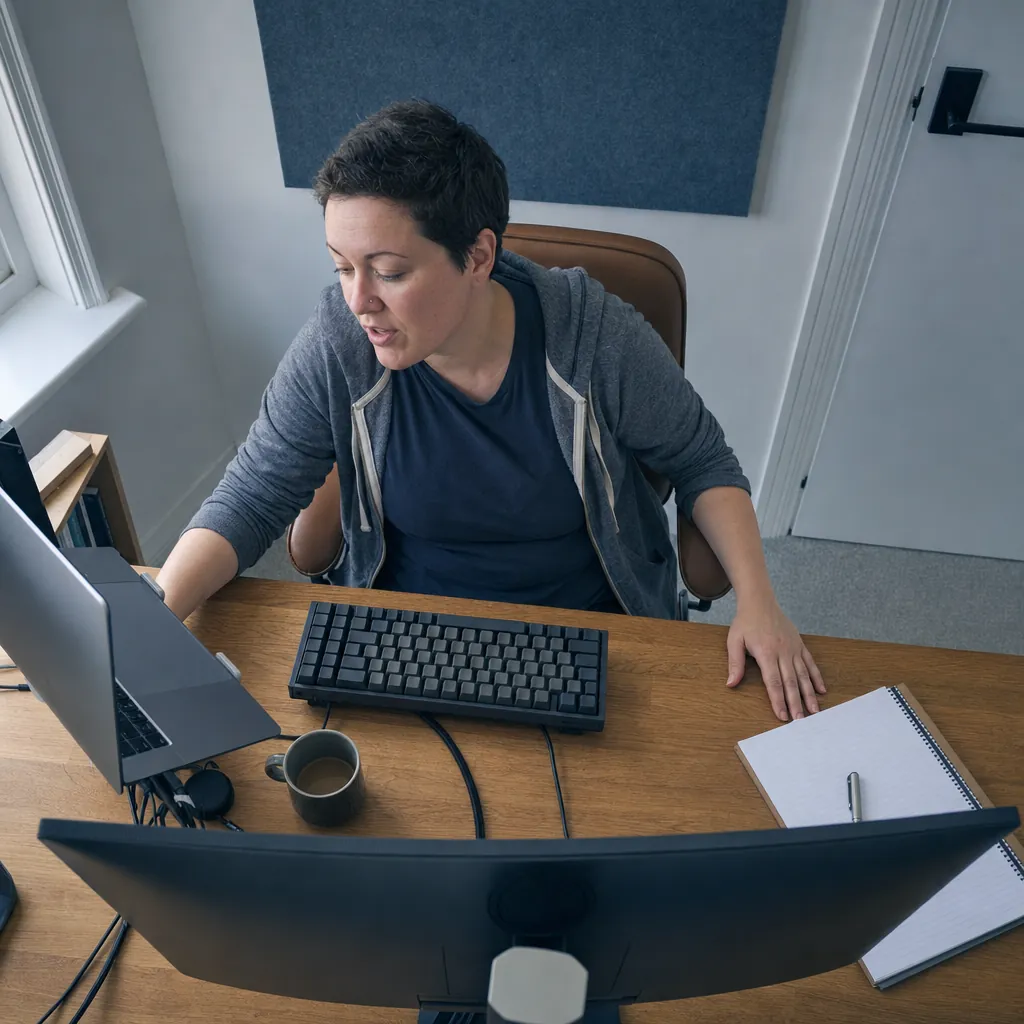
Local transcription that needs no signal
Whisper runs GPU-accelerated on your MacBook's own Apple Silicon chip, with Parakeet alongside it, both entirely on-device. Dictate on a flight, in the car, anywhere the wifi icon has a line through it.

Text that's already finished
No spoken punctuation commands, and nothing for you to clean up afterward. A custom dictionary primes Whisper and OpenWhispr Cloud with the names and jargon you actually use, so they land right the first time.

One hotkey, talk as long as you need
Hold or tap the same Globe key macOS already uses. Nothing here cuts you off after 30 seconds, so a long pause to think doesn't cost you the sentence.
Words lost to a silence cutoff
None
hold the hotkey and keep talking, there's no timer
Cost to start
$0
unlimited local dictation on your MacBook, forever
Setup takes
5 min
download, grant Accessibility access, start dictating
How it works
From a held key to finished text, before you've moved your hands.
Download, choose Cloud for the quickest setup or local for offline and battery work, then dictate straight into whatever's already open.

Download for free.
macOS on Apple Silicon or Intel, plus Windows and Linux. Choose Cloud for no model download or local for offline and battery work.
Hold the Globe key and talk.
Speak through as long a pause as you need. Nothing stops you at 30 seconds.
It's already in the field.
Finished, punctuated text lands where your cursor was. Review it and send.
No convincing needed
10 reasons MacBook users choose OpenWhispr
Each one is a fact about what the app does on your machine, not an adjective.
Never hits a 30-second wall
Hold or tap the hotkey and OpenWhispr keeps recording until you stop it. No silence timer decides when your thought is over.
Works offline, on battery
Local transcription runs GPU-accelerated on your MacBook's own Apple Silicon chip. No signal required, so a flight or a dead wifi router doesn't stop you.
Free, unlimited, forever
Local dictation costs $0 on every plan, with no word cap and no trial clock. Upgrade if you want unlimited Cloud, Agent mode, sync or mobile.
Learns the names spelling gets wrong
A custom dictionary you edit yourself teaches OpenWhispr the client names, product names and jargon your MacBook's autocorrect never learned.
Drops text into whatever's already open
One system-wide hotkey pastes into Mail, Messages, Notes, Slack, Word or any other text field, once you grant the Accessibility permission macOS itself asks for.
Cloud audio is discarded the moment it's transcribed
Choose Cloud for speed and OpenWhispr sends audio only to transcribe it, then never stores it. Nothing sits on a server afterward.
Open source, not a black box
Every line is on GitHub under MIT. If you want to know exactly what happens to your voice, you can read the code instead of a privacy policy.
Rewrite the last sentence without touching the keyboard
A separate Voice Assistant hotkey edits your highlighted text in place, no wake word, no cleanup pass. Say what to change, and the selection updates.
100+ languages, not just English
macOS auto-inserts punctuation in only a handful of languages, and a browser's voice typing works in English alone. OpenWhispr dictates 100+ languages without either ceiling.
Full sentences, not voice commands
No command vocabulary to learn, no 'new paragraph' or 'exclamation point' to remember. Say it the way you'd say it out loud, and the punctuation and capitalization arrive on their own.
Before you download
The questions MacBook users ask first.
Straight answers on privacy, cost and whether this actually beats what's already built in. If yours isn't here, ask us in Discord. We reply within 24 hours.
Does the audio ever leave my MacBook?
Will it cut me off mid-sentence like macOS Dictation does?
Will it actually get my names and jargon right?
Does it work on a flight or somewhere with no wifi?
Is it actually free, or free with a catch?
Does it just transcribe, or can it clean up what I said?
What users say
Built by people who don't want to be recorded either.
From our Discord, GitHub and inboxes, the same instinct that matters on a laptop you carry everywhere.
0
Voice recordings kept on a server
In local mode the audio never leaves your MacBook. Nothing is stored on a server, and nothing is sent anywhere to be reviewed.
Started using OpenWhispr with my local models and hardware. I have to say, this is better than typing.
I switched to voice input for my Claude Code chats. Even when I stumble and rephrase mid-sentence, the transcription comes out clean and polished.
I needed a local model for when I'm travelling or have no WiFi, and this perfectly solves it. The UI and performance are great.
Pricing
Free forever.
Upgrade when you want more.
FreePopular $0No card details needed | Pro $6.67/user/mo$80/user billed annually Start with Pro | Business $13.33/user/mo$160/user billed annually Start with Business | |
|---|---|---|---|
| Best for | MacBook users who want a useful free start with local dictation and limited Cloud transcription | MacBook users who want unlimited Cloud transcription plus sync, the iPhone app, and API/MCP access | Anyone dictating at volume across a team, with unlimited meeting recordings and chat over data |
| Main reason to choose | Useful Free access, including local dictation and limited Cloud transcription | Unlimited Cloud transcription plus Agent mode, sync, mobile, and API/MCP access | Unlimited meeting recordings plus chat over your data and priority support |
| Offline speech-to-textOffline speech-to-text runs entirely on your own device, it works without internet connection, and it's unlimited and free. | Included | Included | Included |
| Cloud speech-to-textCloud speech-to-text sends audio to OpenWhispr Cloud for the highest accuracy and speed, with no local models to download. | 2,000 words/week via OpenWhispr Cloud, or unlimited using your own API keys | Unlimited OpenWhispr Cloud speech-to-text | Unlimited OpenWhispr Cloud speech-to-text |
| Meeting recordings | 5 hours/month | 20 hours/month | Unlimited |
| Privacy & data handling | Offline audio stays on your device. Cloud audio is sent only to transcribe it, then never stored. | Offline audio stays on your device. Cloud audio is sent only to transcribe it, then never stored. | Offline audio stays on your device. Cloud audio is sent only to transcribe it, then never stored. |
| Setup experience | Hands-on: install app, choose local models, optionally add API keys | Easy: install app, upgrade, use unlimited cloud speech-to-text | Moderate: configure users, Agent mode, and data workflows |
| Advanced features |
|
|
|
| Team management | None | None | Basic team / workflow use |
| Support | Community support | Email support | Priority support |
Need SSO, compliance features, admin controls, or dedicated support for a larger team?
We also offer a custom Enterprise plan with managed onboarding and tailored features.
Talk to us
Built in the open
We built it for a laptop that leaves the desk.
OpenWhispr started with a simple objection: a thought you already have in your head, mid-sentence on a laptop away from your desk, shouldn't get cut off by a 30-second silence timer.
We build in public. Every release and every line of code is on GitHub, where 5,000+ engineers have starred, forked and audited the project. When we say the dictation stays local, that's not a promise in a privacy policy. It's a property of the code, and you can verify it yourself.
And if anything breaks, you talk to the people who built it, in Discord.
Free · open source · local-first
Your next sentence doesn't stop at 30 seconds.
Download OpenWhispr and dictate straight into whatever's open on your MacBook. On battery, offline, on your own machine.
Download for freeTakes 5 minutes to set up. If it doesn't work, we'll fix it with you in Discord. Free forever on Mac, Windows & Linux.