Dictation software for lawyers & attorneys
Speak it once. Get a drafted document. Nothing leaves your machine.
OpenWhispr turns your dictation into clean letters, memos and attendance notes on your own computer. No transcription vendor, no per-seat subscription, and it works fully offline.
Open source · 80,000+ downloads

The problem with cloud dictation
Confidentiality shouldn't depend on a vendor's privacy policy.
You want dictation that drafts the letter for you. You can't have privileged material sitting on someone else's server to get there.
A stranger transcribing privileged notes.
Traditional dictation gets sent to a typing pool or an outsourced service, so someone you've never met hears the file. OpenWhispr transcribes on your own machine. No one else is ever in the loop.
Privileged material on a vendor's server.
Cloud transcription means a third party holds your client's confidences and your case strategy. OpenWhispr processes everything on your device. There is no server for any of it to sit on.
Typing is billable time you can't bill.
An hour spent drafting a letter is an hour you didn't spend on the matter. OpenWhispr drafts it from your dictation while it's fresh, so you review and send instead of type.
"Trust us" is not a confidentiality safeguard.
Closed tools ask you to take their privacy policy on faith. OpenWhispr's code is public on GitHub. Your IT or risk team can read exactly what it does, and doesn't do.
What you get
Faster drafting. Same confidentiality.
Legal dictation tools usually trade confidentiality for convenience, or bill you every month. This keeps the drafting speed and drops both: transcription and letters that stay between you, your client and your machine.
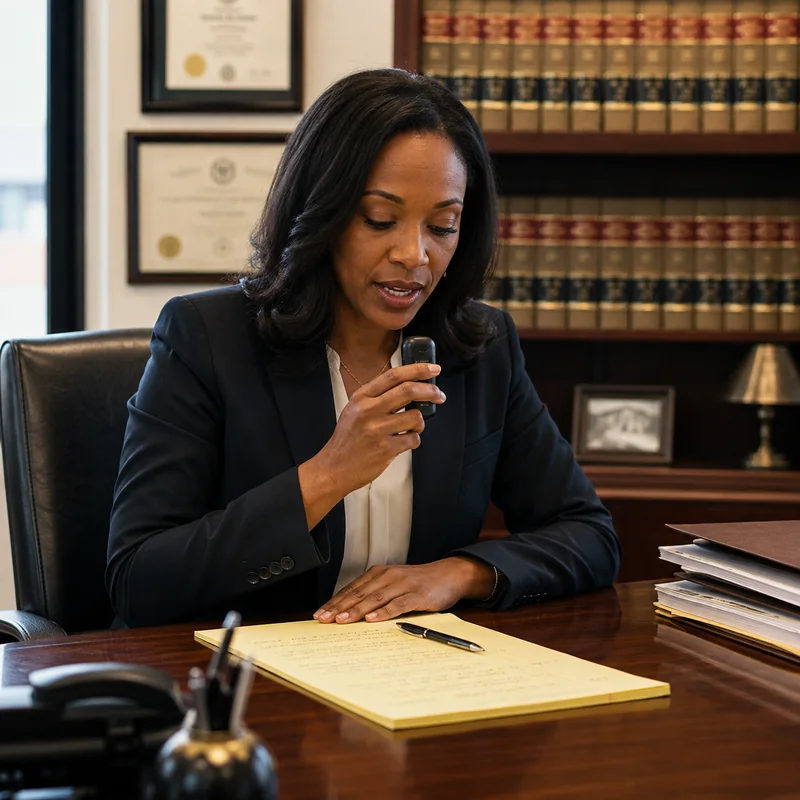
Dictation transcribed on-device
Dictate a letter, memo or attendance note into your mic. It's transcribed locally and never uploaded. You decide what's kept and when it's deleted.
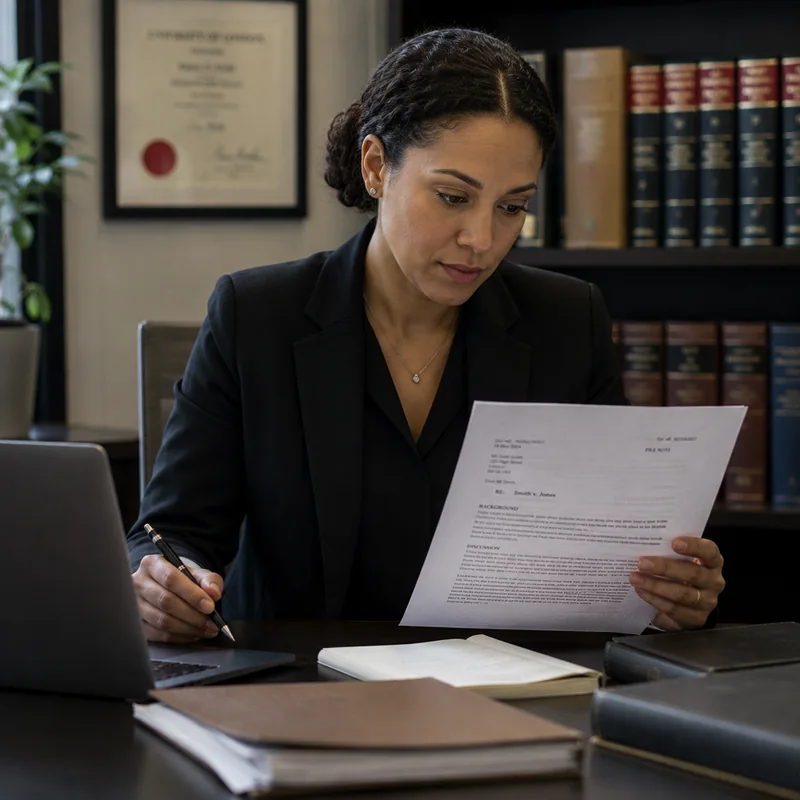
Letters and memos, drafted for you
Turn spoken notes into a structured letter, file note or memo. You review every word before it leaves your desk, then paste it into Word or your document system.

Dictation wherever your cursor is
Press a hotkey and dictate straight into Word, an email or your case system. Clean, punctuated text, processed locally.
Privileged audio sent to us
None
in local mode, transcription never leaves your device
Cost per lawyer
$0
unlimited local dictation, the whole firm, forever
Setup takes
5 min
from download to your first dictated letter
How it works
A letter drafted before you move to the next matter.
Most legal dictation lives in the cloud or a typing pool. This lives on your machine: no account to start, no credit card, nothing stored on anyone's server, including ours.

Download for free.
Mac, Windows or Linux. Pick a local model during setup.
Dictate the note.
Speak your letter, memo or attendance note, and it's transcribed on your device.
Review, file, delete.
Edit the draft, paste it into Word or your document system, and delete the audio. You control all of it.
No convincing needed
10 reasons lawyers choose OpenWhispr
Choosing a dictation tool is a confidentiality decision before it's anything else. Here are the facts, and your IT or risk team can verify every one in the repo.
Audio never leaves your device
Dictation and drafts are processed locally. There's no upload step in the code.
Free for the whole firm
Unlimited local dictation at $0, every seat, forever. No per-fee-earner licence to renew.
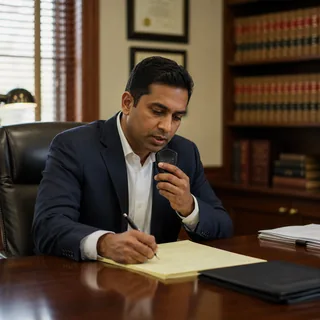
Nothing goes to a typing pool
No outsourced transcriber ever hears the file. The dictation stays between you and your machine.

Works fully offline
Court, chambers, a client's office, the train. No signal required, so it never stalls mid-dictation.

Dictate into Word or any case system
A system-wide hotkey drops clean text wherever your cursor is: Word, Clio, iManage, an email.

Letters and memos, not just transcripts
Connect your own AI key to turn dictation into a drafted letter, file note or memo.

You control storage and deletion
Recordings and transcripts live as files on your machine. Keep, encrypt or delete on your terms.

Open source, auditable by anyone
Your IT or risk team can read every line on GitHub. No faith required.
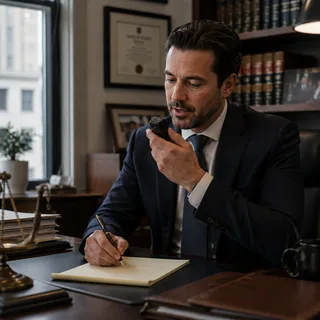
Handles legal terminology
A custom dictionary learns case names, Latin terms, statutes and the citations your practice uses.

99+ languages
Take instructions in the language your client actually speaks, transcribed locally.
Before you download
The questions lawyers ask first.
Straight answers on confidentiality, cost and accuracy. If yours isn't here, ask us in Discord. We reply within 24 hours.
Does the audio ever leave my device?
Is this consistent with my duty of confidentiality?
Can it handle legal terminology and citations?
Will it work in court or on the train with no signal?
Does it draft the letter, or just transcribe?
Is it actually free?
What users say
Built by people who don't want to be recorded either.
From our Discord, GitHub and inboxes, the same instinct that matters under privilege.
0
Privileged files on a server
In local mode the audio never leaves your device. Nothing is stored on a server, and nothing is sent to a transcriber.
Started using OpenWhispr with my local models and hardware. I have to say, this is better than typing.
I switched to voice input for my Claude Code chats. Even when I stumble and rephrase mid-sentence, the transcription comes out clean and polished.
I needed a local model for when I'm travelling or have no WiFi, and this perfectly solves it. The UI and performance are great.
Pricing
Free forever.
Upgrade when you want more.
FreePopular $0No card details needed | Pro $6.67/user/mo$80/user billed annually Start with Pro | Business $13.33/user/mo$160/user billed annually Start with Business | |
|---|---|---|---|
| Best for | Lawyers who want free, private, offline dictation and are fine with a quick local setup | Lawyers who want easy, reliable cloud transcription | Firms and teams documenting at volume |
| Main reason to choose | Free offline dictation, with privileged audio staying on your device | Unlimited cloud transcription without managing local models or keys | Unlimited recordings plus advanced workflow features for a team |
| Offline speech-to-textOffline speech-to-text runs entirely on your own device, it works without internet connection, and it's unlimited and free. | Included | Included | Included |
| Cloud speech-to-textCloud speech-to-text sends audio to OpenWhispr Cloud for the highest accuracy and speed, with no local models to download. | 2,000 words/week via OpenWhispr Cloud, or unlimited using your own API keys | Unlimited OpenWhispr Cloud speech-to-text | Unlimited OpenWhispr Cloud speech-to-text |
| Meeting recordings | 5 hours/month | 20 hours/month | Unlimited |
| Privacy & data handling | Offline audio stays on your device. Cloud audio is sent only to transcribe it, then never stored. | Offline audio stays on your device. Cloud audio is sent only to transcribe it, then never stored. | Offline audio stays on your device. Cloud audio is sent only to transcribe it, then never stored. |
| Setup experience | Hands-on: install app, choose local models, optionally add API keys | Easy: install app, upgrade, use unlimited cloud speech-to-text | Moderate: configure users, Agent mode, and data workflows |
| Advanced features |
|
|
|
| Team management | None | None | Basic team / workflow use |
| Support | Community support | Email support | Priority support |
Need SSO, compliance features, admin controls, or dedicated support for a larger team?
We also offer a custom Enterprise plan with managed onboarding and tailored features.
Talk to us
Built in the open
Some conversations are privileged. We built for those.
OpenWhispr started with a simple objection: the notes that carry a client's confidences shouldn't have to pass through a stranger's server to become a letter.
We build in public. Every release and every line of code is on GitHub, where 3,100+ engineers have starred, forked and audited the project. When we say the dictation stays local, that's not a promise in a privacy policy. It's a property of the code, and anyone in your firm can verify it.
And if anything breaks, you talk to the people who built it, in Discord.
Free · open source · local-first
Your dictation stays between you, your client and your machine.
Download OpenWhispr and your next letter gets dictated, drafted and filed. On your computer, nowhere else.
Loading...Takes 5 minutes to set up. If it doesn't work, we'll fix it with you in Discord. Free forever on Mac, Windows & Linux.