AI speech to text for journalists & reporters
Drop in the tape. Get the whole transcript.
Get the whole transcript without uploading the tape. In local mode, OpenWhispr transcribes on your machine, free and open source, with no per-minute bill or signal once the model is downloaded.
Open source · 80,000+ downloads
What an upload actually costs you
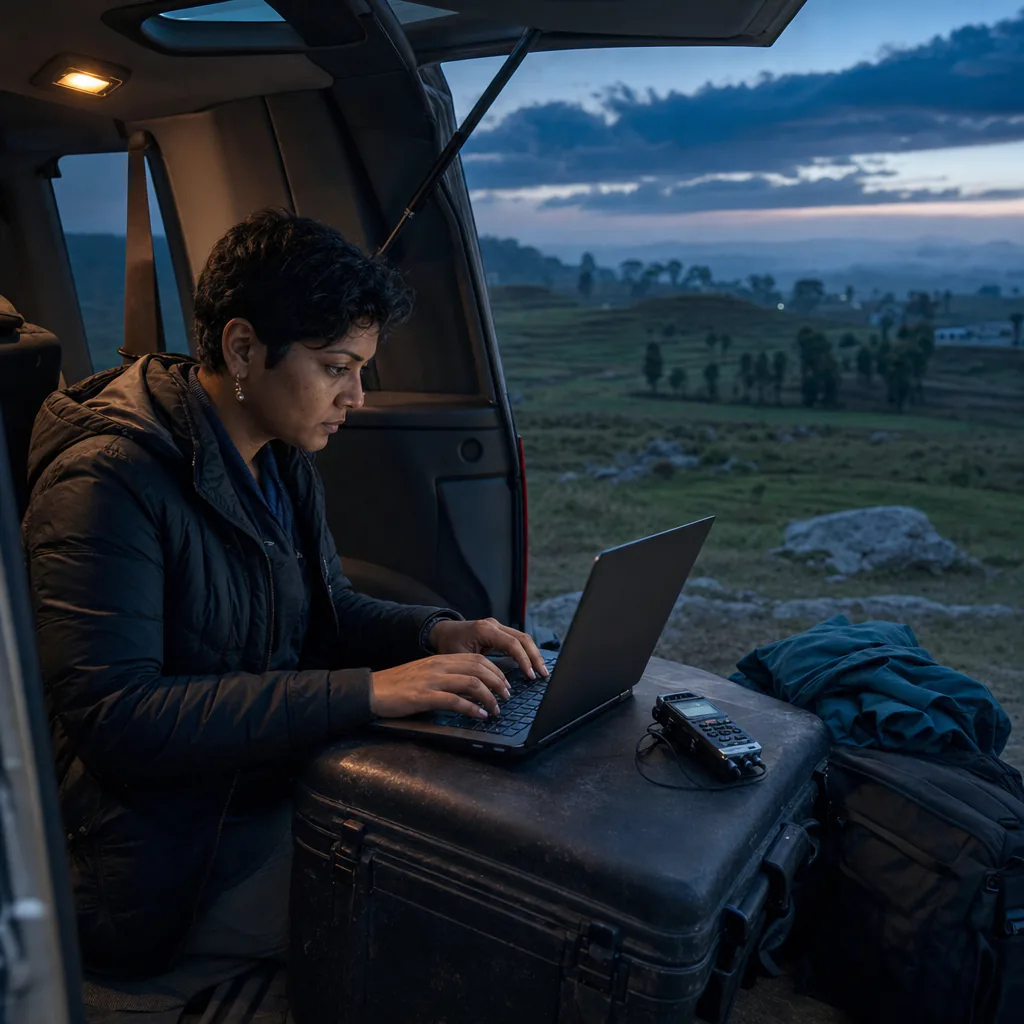
Source protection shouldn't end at the upload button.
You want the tape transcribed on deadline. You don't want it living in someone else's account to get there.
Keep source audio on your device in local mode.
Upload an interview and a vendor holds the recording. Some services route the audio to human transcriptionists. In local mode OpenWhispr transcribes on your device, so there is no server for the tape to sit on.
Your tape becomes someone else's record.
Every upload leaves unpublished material in an account you don't administer, on a retention schedule you didn't set. In local mode there is no upload and no account, so there is nothing on our side for anyone to subpoena.
A quote you can't check.
Speech to text mishears names and crosstalk, and every model will occasionally write a sentence nobody said. A summary will not show you where that happened. Record the interview in the app and the transcript is stamped line by line. To check a quote before you file, compare it with the original recording you keep.
"Trust us" is not source protection.
Closed tools ask you to take a privacy policy on faith. OpenWhispr's code is public on GitHub under the MIT license. Your security desk, or any developer you trust, can read exactly what it does and what it doesn't.
What you get
Filed faster. The tape stays yours.
Transcription tools usually trade source protection for speed, or bill you by the minute. This does neither. In local mode the interview is transcribed on your machine, at no cost per minute.

Interview files transcribed on-device
Drop in an MP3, WAV, M4A or half a dozen other formats, one file or a whole batch. In local mode it's transcribed on your machine, with no length limit and no per-minute bill.
The whole transcript, never a summary
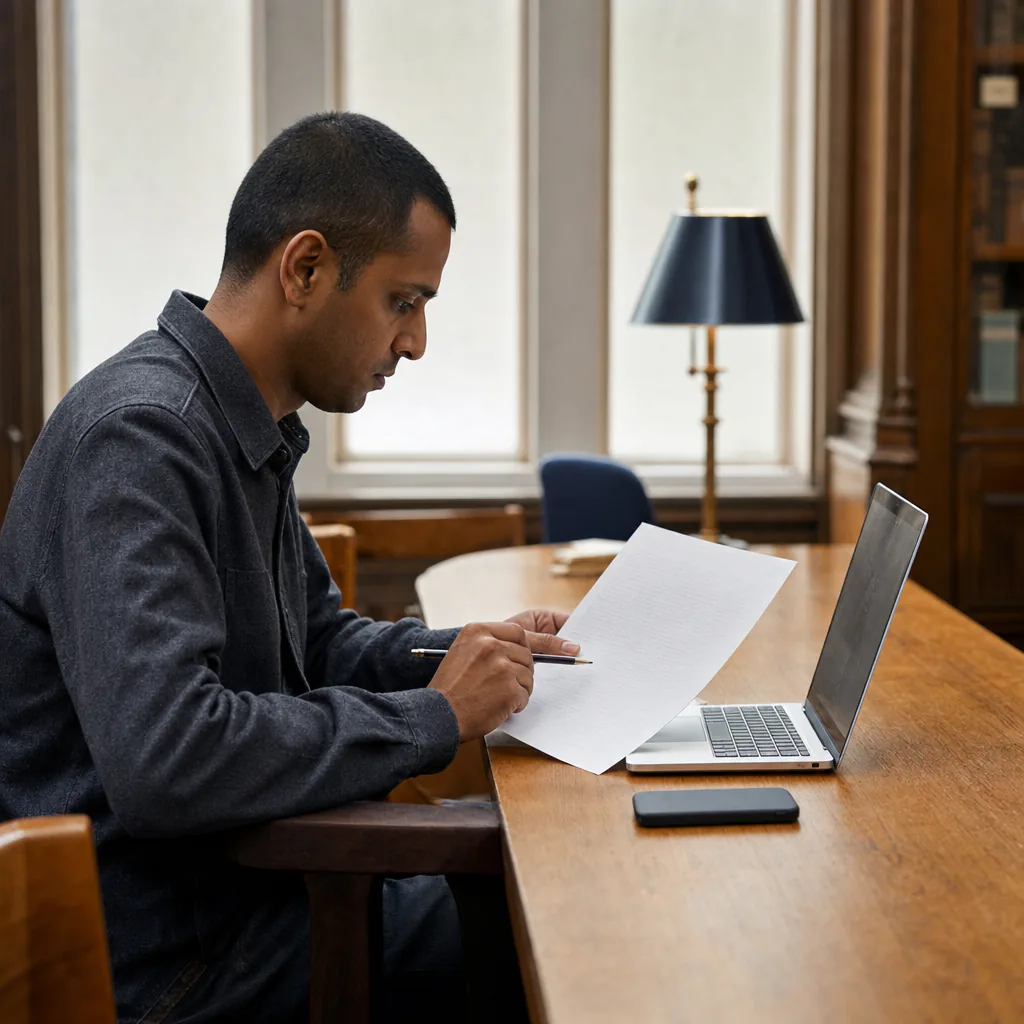
You get the full transcript, not a digest. Record the interview in the app and every line is stamped on your device, ready to export as .txt, .md, .json or .srt. On an upload, speaker detection stamps each turn locally; per-line stamps need your own Groq or Mistral key, or OpenAI set to whisper-1.

Live transcript from the room
Put your laptop on the table and it transcribes an in-person interview as you talk, on any platform. On a remote interview it captures your computer's own audio, so no bot joins and nothing shows in the participant list. That capture needs Windows, macOS 14.2 or later, or a Linux desktop whose audio portal allows it. Recording is its own setting, so point that one at a local model too.
Source audio sent to us
None
in local mode, your audio is transcribed on your own device
Cost per hour of tape
$0
unlimited local transcription, every reporter, forever
Setup takes
5 min
from download to your first transcript, plus the one-time model download
How it works
Transcribed before you write the lede.
No account or credit card required. Choose a local model in Settings, then drop in the tape or record in the app.

Download for free.
Mac, Windows or Linux. Skip the account and setup hands you a local model. Either way, point uploads and recording at one in Settings.
Drop in the tape.
MP3, WAV, M4A, FLAC and more, one file or a batch. In local mode it's transcribed on your device, however long the interview ran.
Check it, then file.
Read the transcript in the app and check any line against the audio. A recorded interview exports to .txt, .md, .json or .srt with every line stamped.
On the record
10 reasons to choose OpenWhispr
Picking an AI speech to text tool is a source-protection decision before it's anything else. Here are the facts, and the ones about your audio you can check in the code yourself.
Local mode keeps source audio on your device
Transcription runs on your machine, with no upload step.
No bot joins a remote interview
It records your computer's own audio, on Windows, macOS 14.2 or later, or a Linux desktop that allows it. Nothing appears in the participant list, and on a local model no vendor gets a copy of the call.
Offline, once the model is downloaded
Courthouse steps, a jail visit, a rural county meeting. Once the model is downloaded, no signal required.
No import limits, no per-minute bill
Local transcription is unlimited at $0, on every plan.
Your security desk can read the code
MIT licensed, every line on GitHub. A newsroom security review can read exactly what happens to the audio, before you put a source's tape through it.
Recorded interviews, stamped line by line
Export to .txt, .md, .json or .srt with every line stamped, so you can point standards or the lawyers at the exact moment.
No length limit on your own machine
A ninety-minute interview costs the same as a nine-minute one, and takes as long as your laptop needs.
Who said what, on every plan
Two voices in one interview, labelled. Speaker detection runs on your device, so it works on a local model with nothing uploaded.
Nothing rewrites your quotes
An uploaded interview is never rewritten. The note is the transcript as the model heard it. In dictation the untouched text sits beside the cleaned-up version, and you can switch cleanup off entirely.
100+ languages
Interview a source in their own language, not their second one. In local mode, transcription stays on your machine.
Before you download
The questions reporters ask first.
Straight answers, including where it falls short. Anything missing, ask in Discord.
Does my source's audio ever leave my device?
Can it transcribe a file I already recorded?
Is it accurate enough to quote from?
Can it tell my source's voice from mine?
If we get a subpoena, what do you have?
Is it actually free?
What users say
Different jobs. The same instinct about their own audio.
From our Discord, GitHub and inboxes. None of them is a reporter, so read them for the tool, not the beat.
0
Interviews on a vendor's server
In local mode the interview never leaves your device. There is no copy on our side, because nothing is sent to us.
Started using OpenWhispr with my local models and hardware. I have to say, this is better than typing.
I switched to voice input for my Claude Code chats. Even when I stumble and rephrase mid-sentence, the transcription comes out clean and polished.
I needed a local model for when I'm travelling or have no WiFi, and this perfectly solves it. The UI and performance are great.
Pricing
Free forever.
Upgrade when you want more.
FreePopular $0No card details needed | Pro $6.67/user/mo$80/user billed annually Start with Pro | Business $13.33/user/mo$160/user billed annually Start with Business | |
|---|---|---|---|
| Best for | Reporters who want free, offline transcription and don't mind setting up a local model | Reporters who'd rather not manage a local model and are fine with cloud transcription | Desks that transcribe at volume, or need unlimited cloud meeting recordings |
| Main reason to choose | The tape never leaves your laptop, at $0 | Unlimited cloud transcription without managing local models or keys | Unlimited cloud meeting recordings and priority support for a desk |
| Offline speech-to-textOffline speech-to-text runs entirely on your own device, it works without internet connection, and it's unlimited and free. | Included | Included | Included |
| Cloud speech-to-textCloud speech-to-text sends audio to OpenWhispr Cloud, with no local models to download. | 2,000 words/week via OpenWhispr Cloud, or unlimited using your own API keys | Unlimited OpenWhispr Cloud speech-to-text | Unlimited OpenWhispr Cloud speech-to-text |
| Meeting recordings | 5 hours/month | 20 hours/month | Unlimited |
| Privacy & data handling | Offline audio stays on your device. Cloud audio is sent only to transcribe it, then never stored. | Offline audio stays on your device. Cloud audio is sent only to transcribe it, then never stored. | Offline audio stays on your device. Cloud audio is sent only to transcribe it, then never stored. |
| Setup experience | Hands-on: install app, choose local models, optionally add API keys | Easy: install app, upgrade, use unlimited cloud speech-to-text | Moderate: configure users, Agent mode, and data workflows |
| Advanced features |
|
|
|
| Team management | None | None | Basic team / workflow use |
| Support | Community support | Email support | Priority support |
Need SSO, compliance features, admin controls, or dedicated support for a larger team?
We also offer a custom Enterprise plan with managed onboarding and tailored features.
Talk to us
Built in the open
Some conversations only happen off the record. We built for those.
OpenWhispr started with a simple objection: a tape of a source who asked for confidentiality shouldn't end up on a stranger's server just so you can read back what they said.
We build in public. The code is on GitHub. When we say the audio stays local, that isn't just a promise in a privacy policy. Anyone on your desk can inspect the code and verify what happens to the audio.
And if anything breaks, you talk to the people who built it, in Discord.
Free · open source · local-first
Your tape stays between you, your source and your laptop.
Download OpenWhispr, point it at a local model, and your next interview is transcribed on your machine and nowhere else.
Download for freeTakes 5 minutes to set up. If it doesn't work, we'll fix it with you in Discord. Free forever on Mac, Windows & Linux.