Speech-to-text app for iPad users
Say it on iPad. Finish it on your desktop.
Start the follow-up while the meeting is still fresh. Pro includes the iPhone & iPad app and syncs notes and agent conversations across devices; Free starts on desktop with unlimited local AI models.




Downloaded by 150k+ users

The catch behind the free search
Capture the work while the context is still fresh.
A meeting follow-up, note or rough first draft should not wait until you are back at a full keyboard.
Free should mean useful, not a three-minute trial.
Free includes unlimited local AI models on macOS, Windows and Linux. It also includes 2,000 OpenWhispr Cloud transcription words each week and five hours of meeting recordings each month.
The iPad app is not free. It is a Pro feature.
OpenWhispr does have an iPhone & iPad app, but it is included with Pro. That is the answer before you spend time installing anything.
Follow up before you are back at your desk.
Start the note while the meeting is still fresh, then pick it up on desktop.
Cloud speed needs a clear data path.
OpenWhispr Cloud avoids a local model download and is built for accuracy and speed. Audio is sent only to transcribe it, then never stored.
A mobile-to-desktop writing workflow
Speak the draft on iPad. Keep working on desktop.
The mobile app turns speech into editable text on iPad; OpenWhispr Notes provide the supported path for carrying that work to desktop.

A useful Free plan on desktop
Use unlimited local AI models on macOS, Windows or Linux. You also get 2,000 OpenWhispr Cloud transcription words per week, five meeting-recording hours per month, 100+ languages and a custom dictionary.
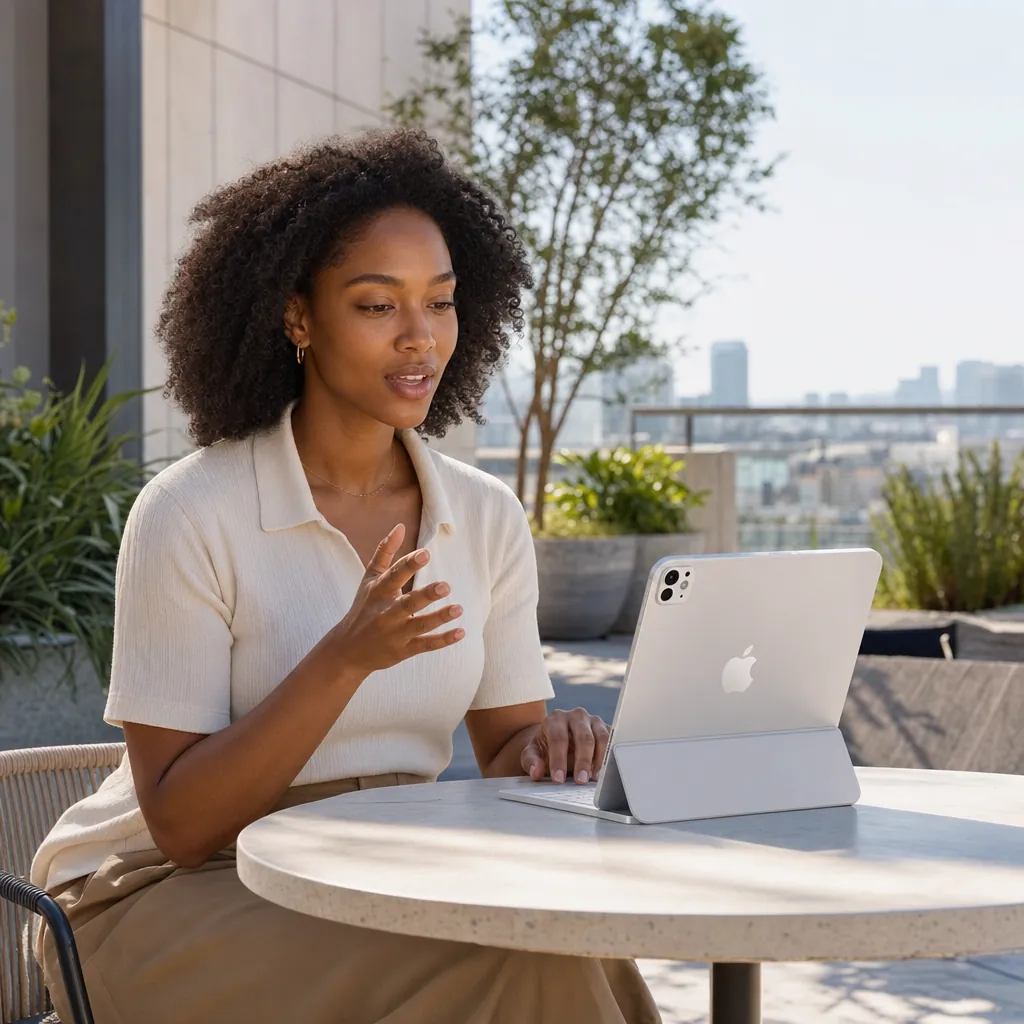
The iPhone & iPad app with Pro
Use the OpenWhispr keyboard to dictate in any text field. When the work needs to continue inside OpenWhispr, start it in an OpenWhispr Note and pick up that synced note on desktop.
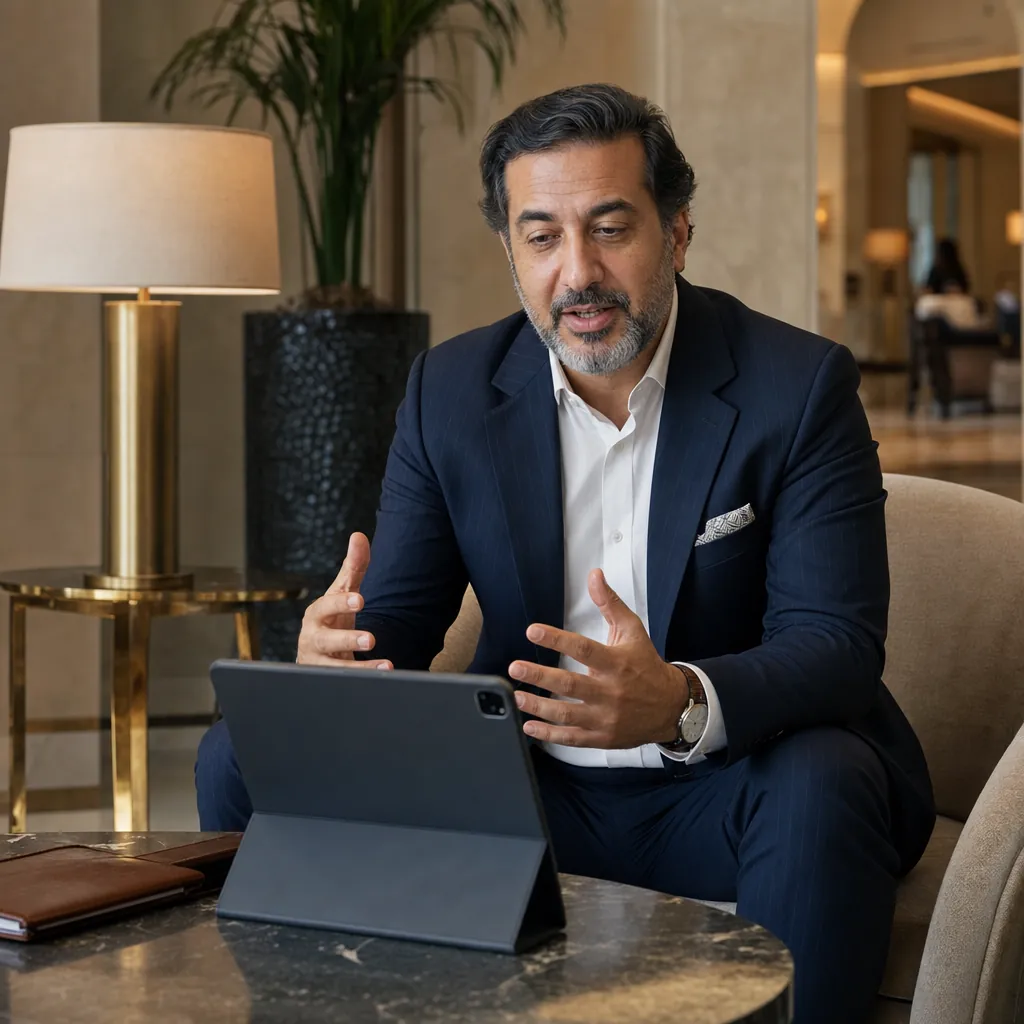
Unlimited Cloud transcription with Pro
Choose Pro when you want unlimited OpenWhispr Cloud transcription without downloading a local model. Cloud audio is transcribed, then immediately discarded.
Free desktop start
$0
unlimited local AI models on macOS, Windows and Linux
iPhone & iPad app
Pro
mobile access is included with the Pro plan
Free Cloud allowance
2,000
OpenWhispr Cloud transcription words each week
How it works
Capture it on iPad. Finish it on desktop.
Use an iPad text field for immediate editable copy, or an OpenWhispr Note for work that continues inside OpenWhispr on desktop.

Open the place you want to write.
Use the OpenWhispr keyboard in an email, document or note. Start an OpenWhispr Note when cross-device continuation is part of the job.
Speak the follow-up or first draft.
OpenWhispr returns editable text so you can correct names, details and structure while the context is fresh.
Continue the supported work on desktop.
Open the synced OpenWhispr Note on desktop and keep editing. OpenWhispr sync covers notes and agent conversations; text inserted into another app is not added to that sync.
No hidden plan comparison
10 reasons iPad users choose OpenWhispr
Looking for free speech-to-text on iPad deserves a straight answer. These are the limits, upgrades and data paths as the plans define them.
The iPad app is clearly a Pro feature
OpenWhispr includes an iPhone & iPad app with Pro. Free is desktop-only, so there is no bait-and-switch in the plan comparison.
Free is still a real desktop plan
Free includes unlimited local AI models on macOS, Windows and Linux, plus a limited OpenWhispr Cloud allowance.
Pro unlocks unlimited OpenWhispr Cloud transcription
Use Pro when the 2,000 free Cloud words per week are not enough and you want unlimited OpenWhispr Cloud transcription.
Pro includes sync across devices
Mobile access comes with device sync, so Pro is built for people who move between their computer and iPhone or iPad.
Cloud does not need a local model download
OpenWhispr Cloud is the faster setup when accuracy and speed matter and you do not want to download local models first.
Cloud audio is never stored
Audio is sent to OpenWhispr Cloud only to transcribe it, then immediately discarded.
Bring your own API keys on any plan
Use your own OpenAI, Anthropic, Gemini or Groq keys for unlimited Cloud transcription without OpenWhispr limits.
A custom dictionary is included
Teach OpenWhispr your names, jargon and acronyms for sharper transcripts, whether you start Free or use Pro.
100+ languages are supported
Every plan supports 100+ languages, so the plan decision is about access and workflow, not a reduced language list.
The upgrade cost is stated upfront
Pro is $8 per month or $80 per year. It adds the iPhone & iPad app, unlimited OpenWhispr Cloud transcription and device sync.
Before you download
What iPad users need to know first.
The direct answer on price, mobile access, Cloud transcription and the useful free starting point.
Is OpenWhispr a free speech-to-text app for iPad?
What does the Free plan include?
What does Pro add for an iPad user?
What happens to audio sent to OpenWhispr Cloud?
Can I use my own API keys instead?
When should I choose Business?
What users say
Built for people who would rather speak than type.
Three unedited reviews from OpenWhispr users.
1
clear boundary
The plan for iPad access is Pro.
Started using OpenWhispr with my local models and hardware. I have to say, this is better than typing.
I switched to voice input for my Claude Code chats. Even when I stumble and rephrase mid-sentence, the transcription comes out clean and polished.
I needed a local model for when I'm travelling or have no WiFi, and this perfectly solves it. The UI and performance are great.
Pricing
Free starts on desktop.
Pro carries OpenWhispr from iPad to desktop.
FreePopular $0No card details needed | Pro $6.67/user/mo$80/user billed annually Start with Pro | Business $13.33/user/mo$160/user billed annually Start with Business | |
|---|---|---|---|
| Best for | People who want a useful free desktop start with local AI models and limited Cloud transcription | People who capture notes and drafts on iPad, then continue them in OpenWhispr on desktop | People who also need unlimited meeting recordings, Agent mode and chat over data |
| Main reason to choose | Useful Free desktop access, including unlimited local AI models and limited Cloud transcription | The iPhone & iPad app, sync for OpenWhispr notes and agent conversations, and unlimited OpenWhispr Cloud transcription | Unlimited meeting recordings plus Agent mode and chat over data |
| Offline speech-to-textOffline speech-to-text runs entirely on your own device. It works without an internet connection and is unlimited and free. | Included | Included | Included |
| Cloud speech-to-textCloud speech-to-text sends audio to OpenWhispr Cloud for the highest accuracy and speed, with no local models to download. | 2,000 words/week via OpenWhispr Cloud, or unlimited using your own API keys | Unlimited OpenWhispr Cloud speech-to-text | Unlimited OpenWhispr Cloud speech-to-text |
| Meeting recordings | 5 hours/month | 20 hours/month | Unlimited |
| Privacy & data handling | Offline audio stays on your device. Cloud audio is sent only to transcribe it, then never stored. | Offline audio stays on your device. Cloud audio is sent only to transcribe it, then never stored. | Offline audio stays on your device. Cloud audio is sent only to transcribe it, then never stored. |
| Setup experience | Hands-on: install app, choose local models, optionally add API keys | Easy: install app, upgrade, use unlimited cloud speech-to-text | Moderate: configure users, Agent mode, and data workflows |
| Advanced features |
|
|
|
| Team management | None | None | Basic team / workflow use |
| Support | Community support | Email support | Priority support |
Need SSO, compliance features, admin controls, or dedicated support for a larger team?
We also offer a custom Enterprise plan with managed onboarding and tailored features.
Talk to us
Built in the open
A free plan should tell you exactly where it ends.
OpenWhispr gives you unlimited local AI models on desktop for free. The iPhone & iPad app is part of Pro, and that distinction belongs in the first answer, not the fine print.
We build in public. The code is open source under the MIT license, so you can inspect the product and choose the plan and data path that fit your work.
And if something breaks, ask in Discord.
Voice on iPad · editable text · continue on desktop
Start the work on iPad. Finish it on desktop.
Capture the follow-up, note or rough first draft while it is fresh. Use an OpenWhispr Note when you want that work to sync to desktop; iPad access and sync are included with Pro.
Download for freeFree includes unlimited local AI models on macOS, Windows and Linux. The iPhone & iPad app is included with Pro.
- Written by
- Joshua Padoa
- Reviewed and fact checked by
- Wesley van der Hoop
- Last reviewed
Drafted with AI assistance