
HIPAA compliant dictation software for healthcare teams
Pick a local model. Get the transcript. Send us no audio.
Patient audio is transcribed on the computer in front of you. The DPA requires a signed BAA before cloud PHI; confirm it covers the exact feature path.




Downloaded by 150k+ users

Choosing HIPAA compliant dictation software
The compliance question starts before anyone presses record.
Ask where the audio goes, what text is saved, who processes it and whether a BAA covers that exact path.
A cloud recording starts before the BAA is signed.
OpenWhispr's DPA says PHI must not go through the cloud Services until a separate BAA is in place. It is available on request from Business, but confirm its scope first.
One product, three different data paths.
Local models process audio on your device. OpenWhispr Cloud sends audio to our cloud. Bring your own key sends it to the provider you chose. The setting changes the answer.
Audio deleted. Transcript still synced.
Cloud audio is processed in real time and not persisted by OpenWhispr. Transcribed text and notes can still enter cloud sync when you enable it, so map both flows.
A HIPAA badge with no configuration.
HIPAA has no software certificate. The useful questions are concrete: which path handles PHI, which agreement covers it and which safeguards your team controls.
Three choices to make
Three paths. Three different approval questions.
The product gives you local, OpenWhispr Cloud and bring-your-own-key paths. Your workflow decides which one handles PHI.
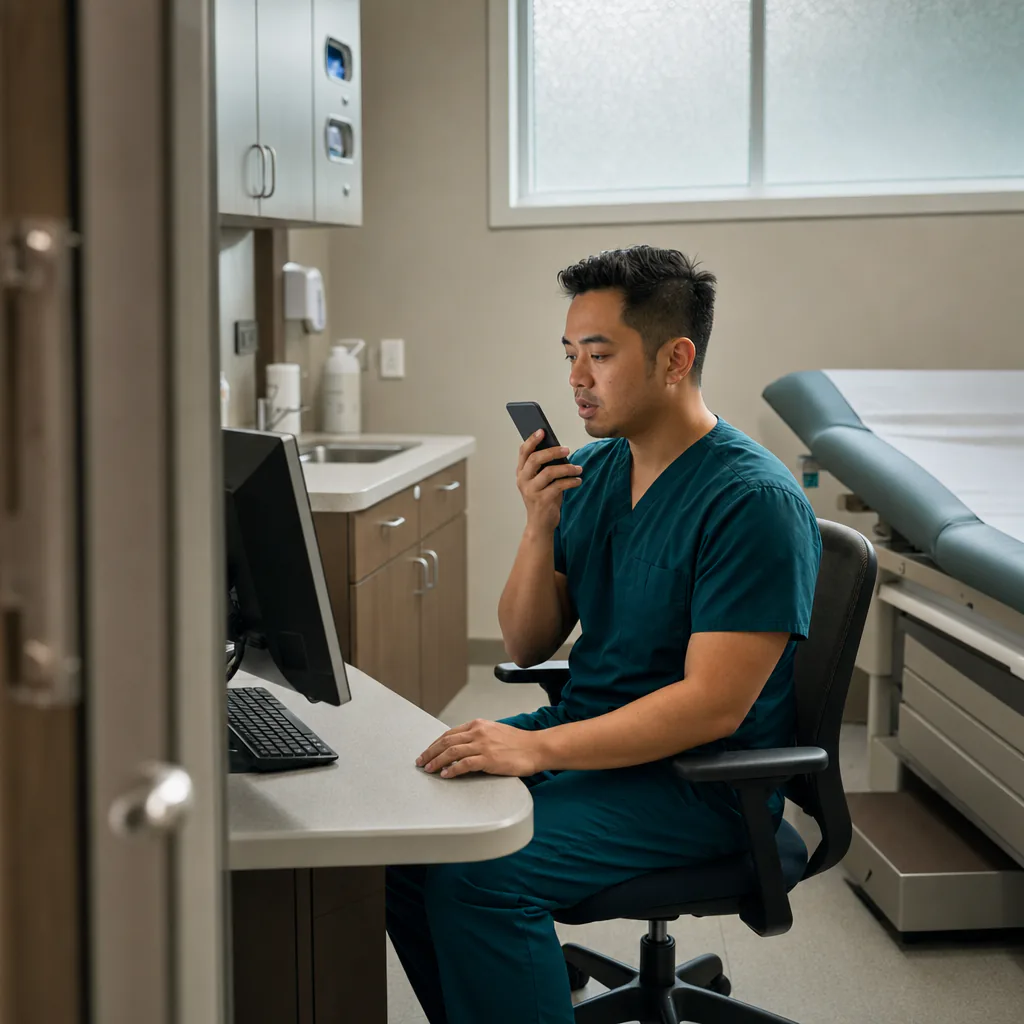
Keep transcription on-device
Pick a local model and patient audio is transcribed on your computer. If you use AI cleanup or drafting, select a local model for that step too.

Put the BAA before the cloud
For PHI in OpenWhispr Cloud, execute the separate BAA and confirm it covers the feature and subprocessors in your path. It is available on request from Business.

Map the text after transcription
Cloud audio is not persisted after transcription. Notes and transcribed text may still be stored or synced, depending on the settings and tools you choose.
Patient audio sent to us
None
when a local transcription model is selected
Cost for local dictation
$0
unlimited on every plan, including Free
Setup takes
5 min
then review the data path before using PHI
How it works
Approve the path before the first dictated note.
A HIPAA workflow is a configuration, a contract and your own safeguards. It is not a badge the download can grant.

Download and choose the path.
Pick local models, OpenWhispr Cloud or your own provider. Write down which one your team approved for PHI.
Dictate only after the contract check.
Local transcription sends no audio to OpenWhispr. Keep cloud PHI off until the separate BAA is signed and its feature scope is confirmed.
Review, file and retain deliberately.
Check the note, put it in the approved record system and set local retention and optional sync to match your policy.
What your review can verify
10 reasons HIPAA-regulated teams evaluate OpenWhispr
Each line names a specific product or contract fact. None replaces your risk analysis, policies or workforce safeguards.
Local transcription sends us no audio
Pick a local speech-to-text model and the recording is processed on your own computer.
OpenWhispr does not persist cloud audio
The DPA says cloud voice audio is processed in real time and not persisted by OpenWhispr after transcription.
A BAA is available on request
Business-plan and Enterprise customers can request the separate BAA required before PHI enters the cloud Services.
Unlimited local dictation is free
Local speech-to-text is unlimited on every plan, including Free, on macOS, Windows and Linux.
Local mode works offline
Once the local model is downloaded, transcription needs no internet connection.
The app is open source
Security teams can inspect the routing code instead of relying on a marketing description.
Customer data is not used for AI training
The DPA prohibits OpenWhispr and its subprocessors from using customer personal data to train or improve models.
Transcription and cleanup are separate routes
Review the speech-to-text model and the AI cleanup model independently before PHI use.
Bring your own key creates a third path
In BYOK mode, content goes directly from the device to the model provider you chose.
Sync is a separate retention decision
Cloud backup defaults off. Turn it on only after deciding where transcribed text and notes may be stored.
Before PHI enters the workflow
Six questions for a HIPAA dictation review.
These answers describe the product and its shipped agreements. Your organization still owns the final risk analysis.
Is OpenWhispr HIPAA compliant?
Do I need a BAA for local transcription?
Can I use OpenWhispr Cloud with PHI?
What does OpenWhispr store?
Does local transcription keep AI cleanup local too?
Is the Free plan enough for a HIPAA workflow?
What users say about the tool
Product reviews, quoted word for word.
These are verbatim product reviews. None is presented as evidence for your HIPAA analysis.
3
Verbatim reviews
The wording and attribution are unchanged from the real source reviews.
Started using OpenWhispr with my local models and hardware. I have to say, this is better than typing.
I switched to voice input for my Claude Code chats. Even when I stumble and rephrase mid-sentence, the transcription comes out clean and polished.
I needed a local model for when I'm travelling or have no WiFi, and this perfectly solves it. The UI and performance are great.
Pricing
Free forever.
Upgrade when you want more.
FreePopular $0No card details needed | Pro $6.67/user/mo$80/user billed annually Start with Pro | Business $13.33/user/mo$160/user billed annually Start with Business | |
|---|---|---|---|
| Best for | Healthcare teams using a local-only transcription path for PHI | Individuals using cloud transcription for work that does not contain PHI | Teams evaluating OpenWhispr Cloud for PHI under a separate signed BAA |
| Main reason to choose | Unlimited local dictation, with patient audio processed on your device | Unlimited cloud transcription for approved non-PHI workflows | A BAA on request, unlimited recordings and advanced team workflows |
| Offline speech-to-textOffline speech-to-text runs entirely on your own device, it works without internet connection, and it's unlimited and free. | Included | Included | Included |
| Cloud speech-to-textCloud speech-to-text sends audio to OpenWhispr Cloud for the highest accuracy and speed, with no local models to download. | 2,000 words/week via OpenWhispr Cloud, or unlimited using your own API keys | Unlimited OpenWhispr Cloud speech-to-text | Unlimited OpenWhispr Cloud speech-to-text |
| Meeting recordings | 5 hours/month | 20 hours/month | Unlimited |
| Privacy & data handling | Offline audio stays on your device. Cloud audio is sent only to transcribe it, then never stored. | Offline audio stays on your device. Cloud audio is sent only to transcribe it, then never stored. | Offline audio stays on your device. Cloud audio is sent only to transcribe it, then never stored. |
| Setup experience | Hands-on: install app, choose local models, optionally add API keys | Easy: install app, upgrade, use unlimited cloud speech-to-text | Moderate: configure users, Agent mode, and data workflows |
| Advanced features |
|
|
|
| Team management | None | None | Basic team / workflow use |
| Support | Community support | Email support | Priority support |
Need SSO, compliance features, admin controls, or dedicated support for a larger team?
We also offer a custom Enterprise plan with managed onboarding and tailored features.
Talk to us
Built in the open
A HIPAA checkbox cannot tell you where the audio went.
OpenWhispr started with a concrete choice: let people transcribe on their own machine when a cloud data path is the wrong fit.
We build in public. Your security team can inspect the local and cloud routing in the app, then compare it with the DPA and the settings your workforce will actually use.
And if your review finds a question the documents do not answer, you can ask the people who built it in Discord or request the BAA through support.
Local path · cloud path · BAA on Business
Choose the data path before you dictate the patient name.
Start with free local transcription, or request the Business-plan BAA and confirm its scope before PHI enters OpenWhispr Cloud. Then document the settings your team approved.
Download for freeTakes about 5 minutes to set up. Free local dictation on Mac, Windows & Linux. Your organization remains responsible for its HIPAA workflow.