Speech to text for Google Docs users
Press the hotkey. Get text in your Google Doc.
On desktop, OpenWhispr turns your speech into editable text and pastes it at a focused Google Docs cursor. It is system-wide dictation, not a Google Docs add-on or native integration.




Downloaded by 150k+ users
The writing moment
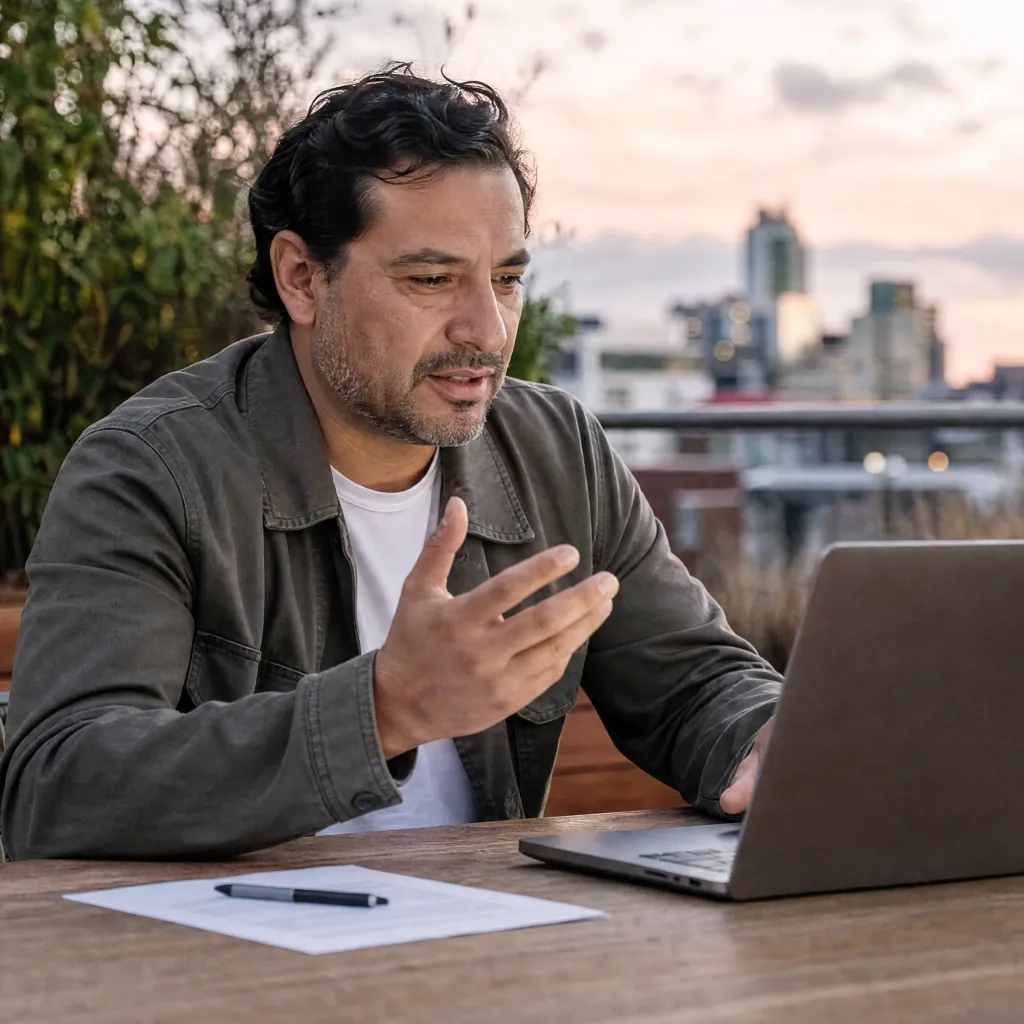
The cursor is ready. Your hands are not.
You want a paragraph in this document, not a transcript stranded in another app.
A blank Google Doc and no easy way to type.
OpenWhispr starts from a desktop hotkey. Speak the paragraph, then return to editable text at the focused document cursor.
A recorder leaves you with a transfer job.
The destination matters. Desktop dictation can paste text into the document in front of you, so you review the draft there instead of moving text from a separate transcript.
The browser tool is not the same as mobile.
Google Docs desktop voice typing and phone keyboard dictation are separate paths. This OpenWhispr page describes the desktop app, not a claim about dictating into Docs from mobile.
An integration claim creates the wrong expectation.
OpenWhispr does not need a Google Docs plugin to use the active cursor. It is a system-wide desktop app, not a native Google Docs integration.
Desktop dictation for the document in front of you
Speak the draft. Review it in place.
Use a global hotkey while a writable document cursor is focused. Local transcription is unlimited on every plan.
A hotkey, then editable text at the cursor
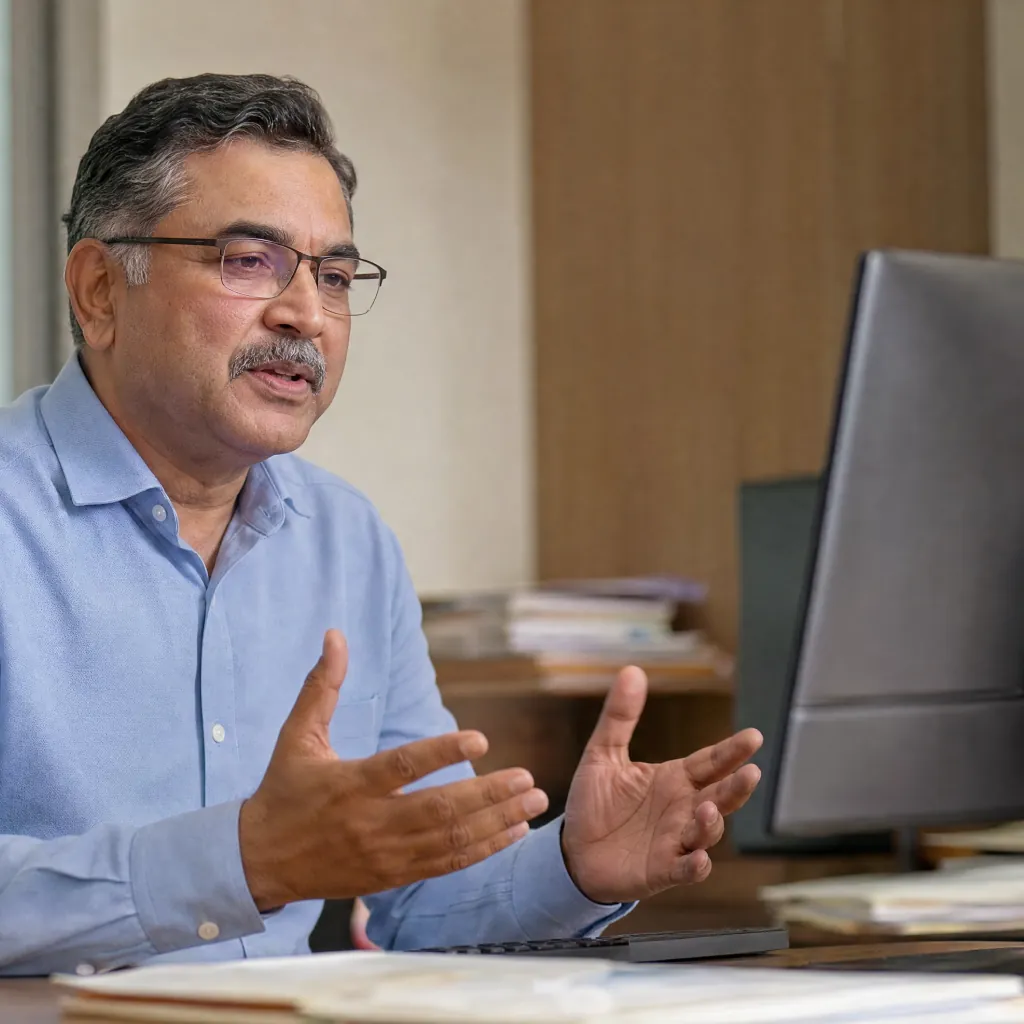
Focus the Google Docs document on desktop, hold your OpenWhispr hotkey, and speak. The app uses the focused editable cursor for its paste path.

Choose the processing route that fits the draft
Local models run on your device and work offline. OpenWhispr Cloud offers top accuracy and speed without a local model download, then immediately discards transcription audio.

A usable fallback when automatic paste cannot run
If the desktop app cannot automatically paste, it copies the dictated text to the clipboard for a manual paste. That is a fallback, not a Google Docs integration.
Cloud transcription audio retained
None
Cloud audio is transcribed then immediately discarded. Local audio stays on your device.
Cost for local desktop dictation
$0
local dictation is unlimited on every plan, including Free
Desktop start
Hotkey
download, choose a model, focus a writable document
From desktop hotkey to document
Focus the doc. Speak the text. Review the result.
OpenWhispr uses system-wide desktop dictation. It does not install inside Google Docs or claim a native Docs connection.

Download for free.
Install on macOS, Windows, or Linux. Local models are unlimited on every plan and can run offline.
Focus Google Docs, then hold the hotkey.
Keep a writable Google Docs cursor focused in your desktop browser. Speak the paragraph and OpenWhispr uses its paste path for that active cursor.
Review the editable paragraph.
Correct the document where you are already working. If automatic paste is unavailable, paste the copied text manually from the clipboard.
The desktop route, clearly bounded
10 reasons Google Docs users choose OpenWhispr
For people who want speech to become editable text in the active desktop document, without claiming a Google Docs add-on.
The cursor stays the destination.
OpenWhispr is built to paste dictated text at a focused editable cursor. In Google Docs on desktop, that means the active document remains where you review the paragraph.
No Docs add-on to install.
The workflow relies on the desktop app's system-wide hotkey and paste behavior, not a Google Docs extension, sidebar, or native integration.
Desktop and phone are different decisions.
This is the desktop route for macOS, Windows, and Linux. Google Docs mobile voice paths and the paid OpenWhispr iPhone and iPad app are separate product contexts.
Keep the document focused while you dictate.
The desktop paste path is designed for a focused editable cursor. If automatic paste is unavailable, OpenWhispr copies the dictated text to the clipboard for a manual paste.
Clipboard fallback preserves the text.
When automatic pasting is unavailable, OpenWhispr writes the result to the clipboard so you can paste it manually into the document.
Local works when the connection does not.
Choose local models for on-device, offline transcription. You can keep drafting on the desktop even without an internet connection.
Local desktop dictation is unlimited and free.
Every plan includes unlimited local AI models. The Free plan's 2,000-word weekly limit is for OpenWhispr Cloud transcription, not local dictation.
Cloud is the no-download route.
OpenWhispr Cloud is the choice for top accuracy and speed without downloading local models. Cloud transcription audio is immediately discarded.
A custom dictionary can help with document terms.
Add recurring names, jargon, and acronyms to OpenWhispr's custom dictionary for sharper transcripts when your document uses specialized language.
Pro adds cloud and cross-device workflow features.
Pro includes unlimited OpenWhispr Cloud transcription, sync across devices, personal API access, MCP integration, and the iPhone and iPad app. None of those features claim a native Google Docs integration.
Before you choose a route
Questions about Google Docs speech to text.
Straight answers on desktop, mobile, privacy, cost, and the integration boundary.
Can I dictate directly into Google Docs with OpenWhispr?
What if automatic paste does not work?
Is this the same as Google Docs Voice typing?
Does OpenWhispr dictate into Google Docs on my phone?
Can I use local speech to text offline?
What does Pro add for this workflow?
What people tell us
A desktop app for words at the cursor.
These are general product reviews, not claims of a native Google Docs integration.
Desktop
System-wide dictation
The relevant product behavior here is system-wide desktop dictation with paste at a focused editable cursor, plus a clipboard fallback.
Started using OpenWhispr with my local models and hardware. I have to say, this is better than typing.
I switched to voice input for my Claude Code chats. Even when I stumble and rephrase mid-sentence, the transcription comes out clean and polished.
I needed a local model for when I'm travelling or have no WiFi, and this perfectly solves it. The UI and performance are great.
Pricing
Free forever.
Upgrade when you want more.
FreePopular $0No card details needed | Pro $6.67/user/mo$80/user billed annually Start with Pro | Business $13.33/user/mo$160/user billed annually Start with Business | |
|---|---|---|---|
| Best for | Desktop Google Docs users who want unlimited local dictation | People who want unlimited Cloud transcription and cross-device features | Teams that need unlimited meeting recordings and priority support |
| Main reason to choose | Unlimited local desktop dictation at no cost. | Unlimited Cloud transcription plus sync, API, MCP, and mobile access | Everything in Pro plus unlimited meeting recordings and priority support |
| Offline speech-to-textOffline speech-to-text runs entirely on your own device, it works without internet connection, and it's unlimited and free. | Included | Included | Included |
| Cloud speech-to-textCloud speech-to-text sends audio to OpenWhispr Cloud for the highest accuracy and speed, with no local models to download. | 2,000 words/week via OpenWhispr Cloud, or unlimited using your own API keys | Unlimited OpenWhispr Cloud speech-to-text | Unlimited OpenWhispr Cloud speech-to-text |
| Meeting recordings | 5 hours/month | 20 hours/month | Unlimited |
| Privacy & data handling | Offline audio stays on your device. Cloud audio is sent only to transcribe it, then never stored. | Offline audio stays on your device. Cloud audio is sent only to transcribe it, then never stored. | Offline audio stays on your device. Cloud audio is sent only to transcribe it, then never stored. |
| Setup experience | Hands-on: install app, choose local models, optionally add API keys | Easy: install app, upgrade, use unlimited cloud speech-to-text | More: unlimited meeting recordings and chat over your data |
| Advanced features |
|
|
|
| Team management | None | None | Basic team / workflow use |
| Support | Community support | Email support | Priority support |
Need SSO, compliance features, admin controls, or dedicated support for a larger team?
Contact us about Enterprise.
Talk to us
Why we built it
The sentence belongs in the document you already opened.
OpenWhispr started with a simple objection: getting your own sentences into the document faster should not mean moving a transcript between apps.
On desktop, its system-wide hotkey uses a focused editable cursor. That is useful in Google Docs without being a Docs add-on.
And if anything breaks, you talk to the people who built it, in Discord.
Free · open source · local-first
Open the doc. Press the hotkey. Start the paragraph.
Download OpenWhispr for desktop and turn speech into editable text at a focused cursor. It is system-wide dictation, not a Google Docs add-on.
Download for freeFree to download on Mac, Windows and Linux.