Dictation software for content creators
Hit record. Get the transcript.
Accurate transcripts as you record, live. Already have a video? Upload the audio or paste a YouTube link, and it's done.
Open source · 80,000+ downloads

What you're choosing between
Everything you said is in the video. None of it is in text.
A transcript is what turns one upload into chapters, a newsletter and a thread. Getting one means paying per minute, or sitting through your own video with a keyboard.
Your back catalogue is locked inside the videos.
Turning last year's uploads into a newsletter means sitting through them again. Paste the link to one of your own videos and OpenWhispr pulls the audio down and transcribes it. Paste a list of your links, up to 50 at a time, and it works through the queue.
The interview is on your disk and nowhere else.
The raw recording, the voice memo, the podcast cut that never went up. Drop the audio file in and it comes back as a transcript in a note you can search. mp3, wav, m4a, flac, aac, opus, ogg and webm, straight off the disk.
The description box, still blank at midnight.
The export is done and the title, the description and the pinned comment are not. Press a hotkey in the tab you already have open and say them. Clean, punctuated text lands where the cursor is.
Another subscription before the channel pays for itself.
Editor, thumbnails, scheduler, transcripts, newsletter. Five tools billing one channel that does not cover them yet. Unlimited local transcription and dictation on OpenWhispr is $0, on every machine you own, and the free plan is not a trial.
From the upload to the words around it
The transcript is there before you sit down to write.
Pick local models and both the transcription and the clean-up run on your own computer, unlimited, at no cost, in 100+ languages.

A transcript out of a video you already posted
Paste the link to a video you posted yourself, or a list of them one per line, and OpenWhispr downloads the audio and transcribes it into a note you can search and quote. Up to 50 links at a time, 500 MB and six hours a video. Playlists and live streams are out.
The audio file that never got posted
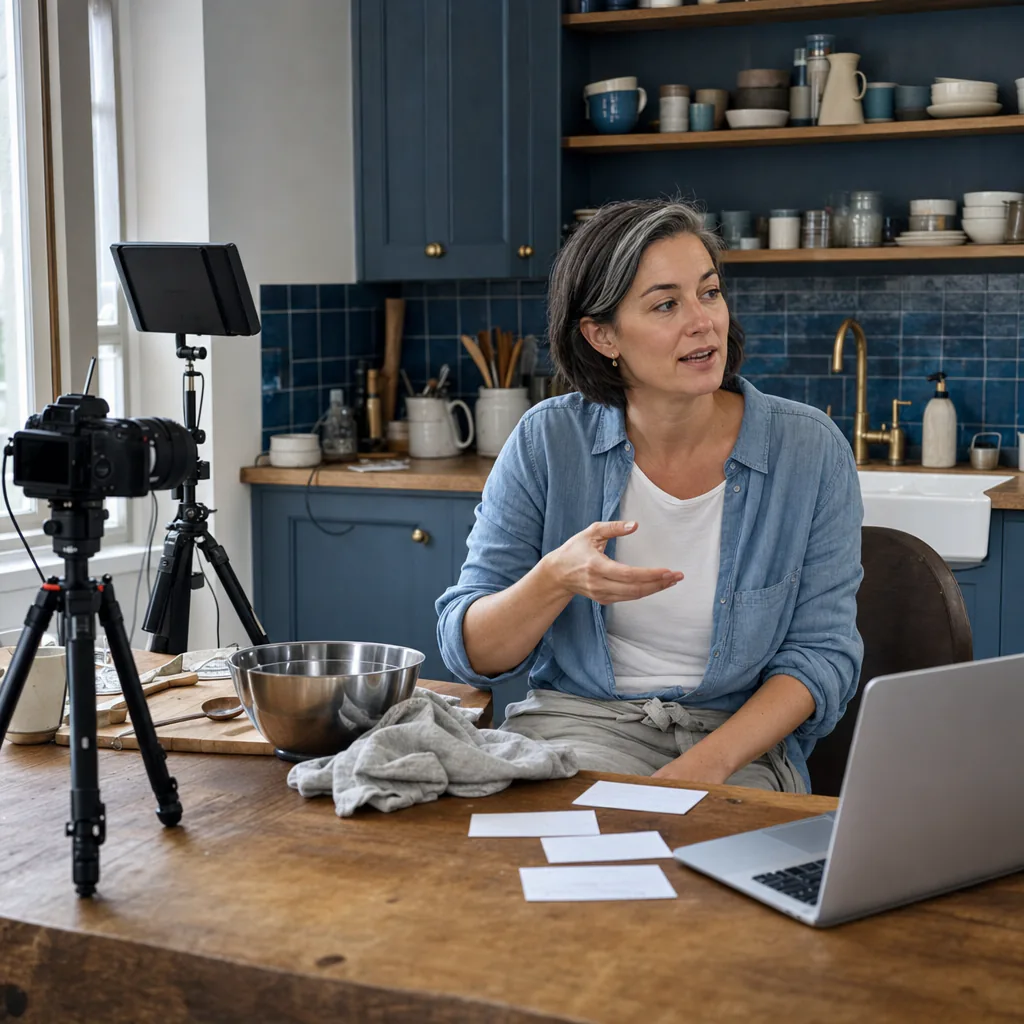
Interviews, voice memos, the podcast cut, the raw take. Drop in mp3, wav, m4a, flac, aac, opus, ogg or webm and it comes back as a transcript. On a local model there is no per-minute bill, and a file already on your disk has no size limit at all.

One hotkey, every tab you publish from
Talk into YouTube Studio, your script doc, Notion, an email to a sponsor. The clean text pastes itself where you were already typing, with no plugin in any of them. On a Mac you grant accessibility once, and that is the part that lets it paste at your cursor.
Sent to our servers
None
with a local transcription model the audio is transcribed on your own computer
Cost per creator
$0
unlimited local transcription and unlimited local dictation, on every machine you own
Setup takes
A few extra steps
download, pick a model, paste a link or set a hotkey
Download to first transcript
Three steps from your posted video to searchable text.
Nothing to connect to the platforms you publish on.
Download it free.
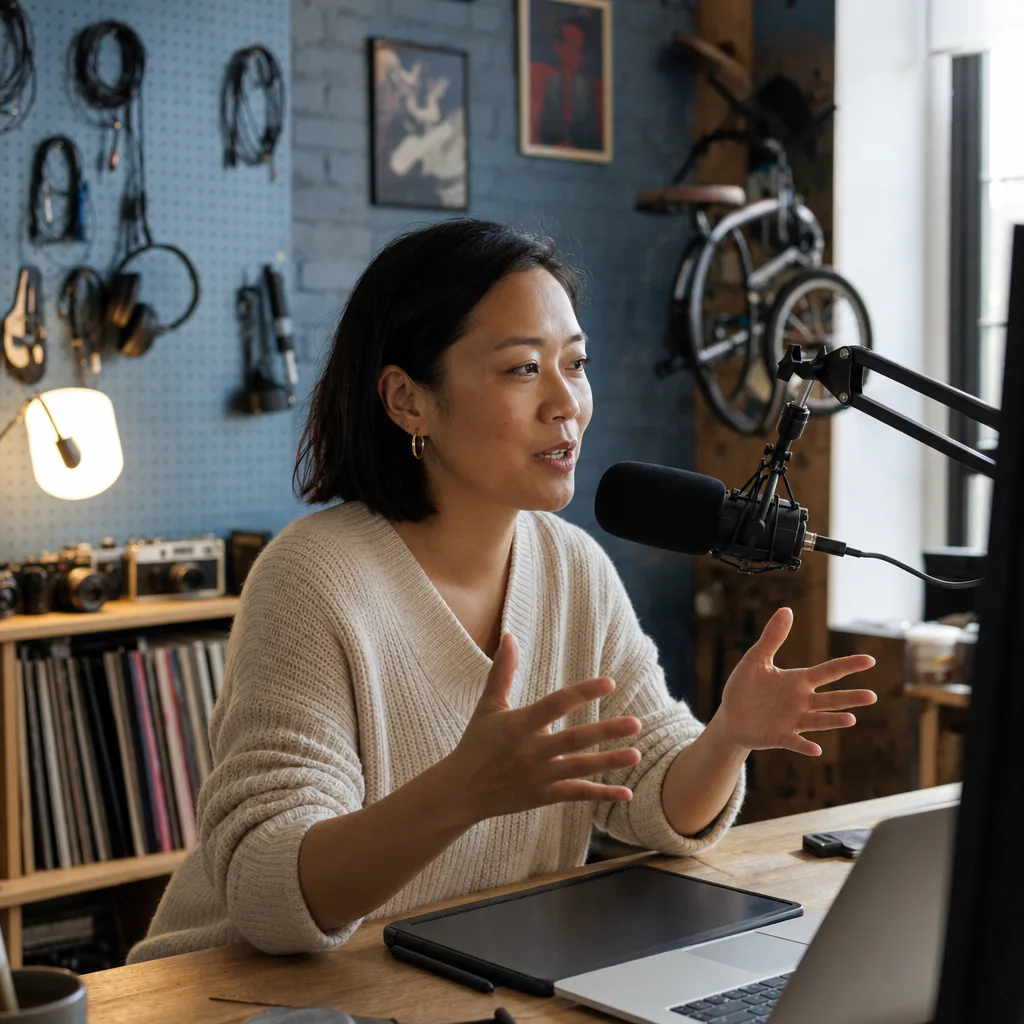
Mac, Windows or Linux, whatever the edit rig runs. Setup offers OpenWhispr Cloud or local models, and picking local downloads them once.
Paste the link, or drop the file.
Your own video's URL, a list of them one per line, or an audio file off your disk. OpenWhispr pulls the audio down and transcribes it into a note.
Read it, use it.
Search it, quote it, cut it into chapters and a newsletter. Then hit the hotkey in YouTube Studio and talk the title and the description out.
Why creators keep it
10 reasons content creators choose OpenWhispr
Every one is in the app or in the repo. Check before you download anything.
Paste your own video link, get the transcript.
Give OpenWhispr the YouTube URL of a video you posted, a direct audio URL, or an audio file from your disk. It transcribes the audio and can queue up to 50 links; playlists and live streams are not supported.
It types into everything you publish from.
Use the system-wide hotkey in YouTube Studio, your script doc, newsletter or sponsor email. On a Mac, one accessibility permission lets OpenWhispr paste at the cursor.
Unlimited local transcription costs nothing.
The free plan is not a trial. With a local model there is no per-minute meter on a file, no word cap on dictation, and no card to enter.
Your niche words come out spelled right.
The custom dictionary takes your channel name, your recurring guests and the vocabulary only your audience uses. Dictation hands that list to the transcription model as a hint, and to the clean-up model after it.
The ums and the false starts come out.
The clean-up model strips filler, stutters and restarts, and is told to keep your voice, your wording, your formality and your intent, with your jargon and names exactly as spoken.
100+ languages.
Dictate the description in the language your audience actually comments in. Same hotkey, same model, no separate tool.
Location shoots with no signal.
A rented studio, a hotel, a plane, a shoot in the middle of nowhere. Local models need no network at all.
Nothing is uploaded when you keep it local.
Pick a local transcription model and the audio is transcribed on your own machine, so none of it reaches us. Point the clean-up at a local model too and the text stays put as well.
The code is public.
OpenWhispr is open source on GitHub, where 5,000+ engineers have starred it. Every privacy claim on this page is a file you can open and read.
Mac, Windows and Linux, one free download.
Whatever you edit on. The same app, the same free price, and a hotkey you choose yourself.
Before you install it
The questions creators ask before they download it
Short answers, and where in the app or the repo you can check them.
Can I get a transcript of a video I already published?
Can I upload the video file itself?
Is my audio uploaded anywhere?
Is it really free, or is the free plan a trial?
Will it get my channel name and my niche jargon right?
Does it work on a shoot with no WiFi?
What people tell us
They tried it on their own machine and stopped typing.
From our Discord, GitHub and inbox, word for word. None of them runs a channel, so read them for the tool.
0
Plugins to install in YouTube Studio
The hotkey works the same in a browser tab, your edit suite and your newsletter draft. Nothing to connect, nothing to log into, no integration to keep alive.
Started using OpenWhispr with my local models and hardware. I have to say, this is better than typing.
I switched to voice input for my Claude Code chats. Even when I stumble and rephrase mid-sentence, the transcription comes out clean and polished.
I needed a local model for when I'm travelling or have no WiFi, and this perfectly solves it. The UI and performance are great.
Pricing
Free forever.
Upgrade when you want more.
FreePopular $0No card details needed | Pro $6.67/user/mo$80/user billed annually Start with Pro | Business $13.33/user/mo$160/user billed annually Start with Business | |
|---|---|---|---|
| Best for | One-person channels that want unlimited local transcription and dictation at no cost and will set up a local model | Creators who would rather pay $8 than look after a local model | Channels where an editor, a writer and a producer all touch the same content |
| Main reason to choose | Transcripts of your own videos, and everything you write around them, for nothing, with the audio staying on your machine | Cloud transcription that never runs out, with no models or API keys to look after | Unlimited cloud meeting recordings and agent mode for everyone on the channel |
| Offline speech-to-textOffline speech-to-text runs entirely on your own device, it works without internet connection, and it's unlimited and free. | Included | Included | Included |
| Cloud speech-to-textCloud speech-to-text sends audio to OpenWhispr Cloud for the highest accuracy and speed, with no local models to download. | 2,000 words/week via OpenWhispr Cloud, or unlimited using your own API keys | Unlimited OpenWhispr Cloud speech-to-text | Unlimited OpenWhispr Cloud speech-to-text |
| Meeting recordings | 5 hours/month | 20 hours/month | Unlimited |
| Privacy & data handling | Offline audio stays on your device. Cloud audio is sent only to transcribe it, then never stored. | Offline audio stays on your device. Cloud audio is sent only to transcribe it, then never stored. | Offline audio stays on your device. Cloud audio is sent only to transcribe it, then never stored. |
| Setup experience | Hands-on: install app, choose local models, optionally add API keys | Easy: install app, upgrade, use unlimited cloud speech-to-text | Moderate: configure users, Agent mode, and data workflows |
| Advanced features |
|
|
|
| Team management | None | None | Basic team / workflow use |
| Support | Community support | Email support | Priority support |
Need SSO, compliance features, admin controls, or dedicated support for a larger team?
We also offer a custom Enterprise plan with managed onboarding and tailored features.
Talk to us
Why we built it
The fastest way to sound like yourself is to say it out loud.
OpenWhispr started with an objection: talking is how people are fluent and typing is how they get stiff, and the software that turns one into the other kept routing everything through somebody else's server.
We build in public. Every release and every line of the app is on GitHub. So when we say the dictation can stay on your machine, you do not have to take our word for it. You can open the file and read it.
And if anything breaks, you talk to the people who built it, in Discord.
$0 · open source · no plugin to install
Get the transcript, then write around it.
Download OpenWhispr, pick a local model at setup, and paste the link to the video you posted this morning. No card, no per-minute bill, no second subscription.
Download for freeFree forever on Mac, Windows & Linux.