Dictation software for developers & engineers
Talk the change through. Get the prompt typed.
One hotkey, and the clean text lands where your cursor is: Cursor, a terminal, a GitHub review box. Pick a local model at setup and the audio never leaves your machine.




Downloaded by 150k+ users

What you're putting up with
So much of your typing isn't code.
Prompts, pull request descriptions, commit messages, review comments, standup updates. None of it is code. All of it is typing.
The prompt takes longer than the run.
An agent needs a paragraph of context to do the right thing, so you type the paragraph, and it finishes in under a minute. Say it instead and the paragraph lands in the composer.
You already wired Whisper to a hotkey once.
Then the OS update broke the paste, the venv rotted, or you never got the clipboard back. OpenWhispr is that script, finished and maintained.
A privacy claim you can't check.
Closed-source dictation asks you to believe a sentence on a marketing page. Ours is a repo you can read, and a local path you can test by pulling the cable out and carrying on.
Built-in dictation has never heard of kubectl.
macOS and Windows dictation guess at library names, CLI flags and service names. Put your stack in the custom dictionary to help the local Whisper model recognize those spellings, on the free plan.
What the hotkey actually does
A paragraph of context. None of it typed.
Transcription runs on your machine. So can the cleanup. Neither costs anything.

Whisper runs on your machine, not ours
Pick a local model at setup and Whisper or Parakeet transcribes the audio on your own machine, with no signal needed once the model is downloaded.
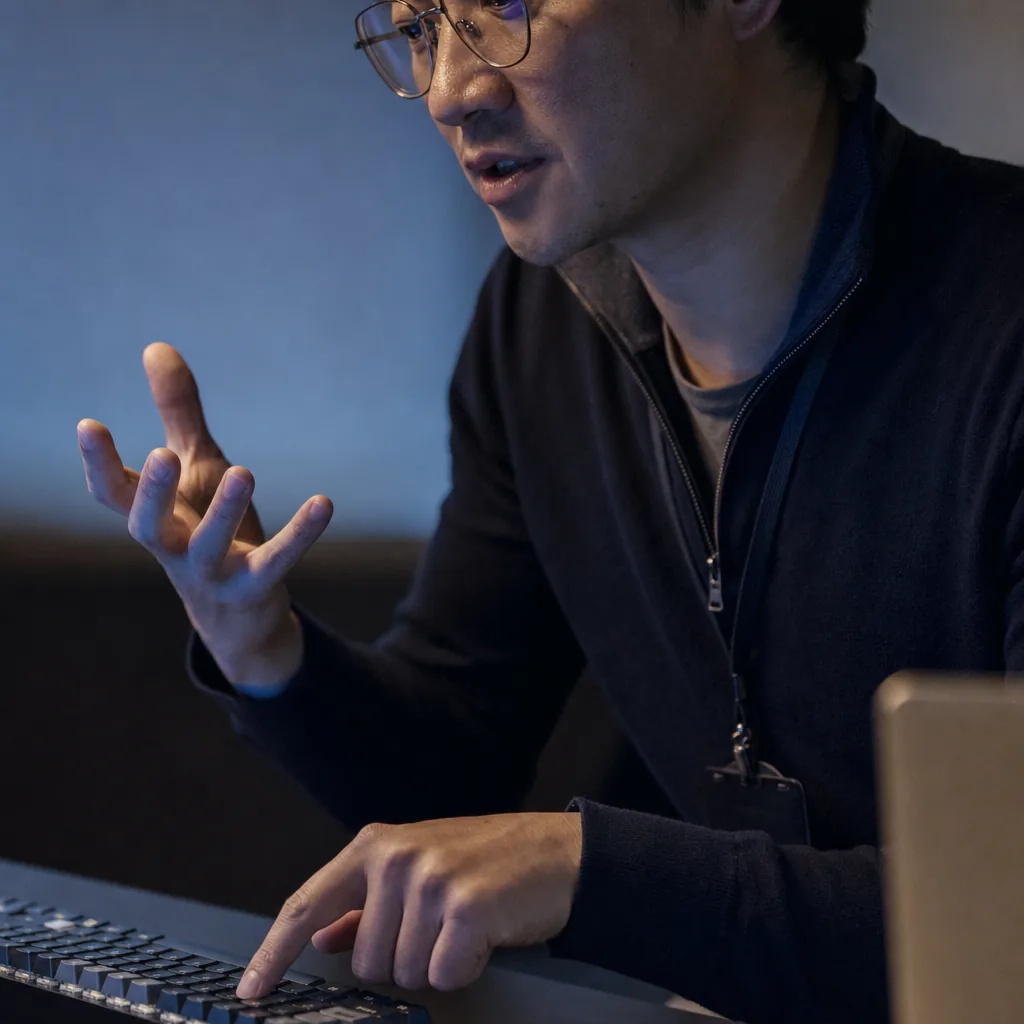
One hotkey, any window
The clean text pastes where your cursor already is: Cursor, VS Code, a terminal, a GitHub review box, Slack. Nothing to install per editor, and your clipboard is put back the way you left it.

The system prompt is yours to edit
The prompt that cleans up your dictation ships as text you can open, rewrite, test against sample input and save.
Audio uploaded in local mode
None
the recording is transcribed on your own machine
Cost per developer
$0
unlimited local dictation, every machine you own, forever
Setup takes
A few steps
download, pick a model, bind a hotkey, talk
What the install involves
Talking to your agent starts here.
No account, no card, and no telemetry unless you switch it on.
Download it free.
Mac, Windows or Linux. Setup offers OpenWhispr Cloud or local models. Pick local and it pulls them down once.
Hit the hotkey and talk.
Describe the change you want the way you would say it to a colleague at the next desk.
Read it, then send it.
The clean text is already at your cursor. Edit it, hit enter, and the recording is yours to keep or delete.
What you can check yourself
Ten reasons, and the repo is the citation for most of them.
Choosing dictation software as a developer comes down to what you'll take on trust. These are the parts you don't have to.
The audio is transcribed on your own disk
A local Whisper or Parakeet model does the listening, on your machine. Drop the network and it keeps working, which is the shortest audit anyone has run on us.
Free on every machine you own
Unlimited local dictation at $0, forever, on the laptop, the desktop and the one in the office. There's no per-seat license to renew.
MIT licensed, so fork it
The desktop app is on GitHub under the MIT license. Read the transcription path before you install it, and change it if you want it to behave differently.
It types into a terminal
It pastes where your cursor is, including in a terminal. There's no editor plugin to install or maintain.
Your identifiers, spelled your way
Put library names, service names and the CLI tools you live in into the custom dictionary for sharper transcripts.
The cleanup prompt is editable
Tell it to leave code blocks alone, keep your shorthand, or stop it capitalising your service names. It's your prompt, and it ships as text.
It runs with the wifi off
A plane, a train, a customer's locked-down network. Local models need no signal once they're on disk.
A CLI, and reading your notes is free
npm install -g @openwhispr/cli, then openwhispr --local notes list reads them off your own machine with no login and no API key. Sync them to the cloud on a paid plan and Claude, ChatGPT and Cursor reach them over MCP.
Telemetry is off unless you turn it on
Analytics ship disabled out of the box. Recordings are files on your machine, deleted after 30 days by default, and Settings moves that or switches it off.
100+ languages
Standups, reviews and issue threads in the language your team actually speaks, transcribed on your own machine.
Before you install it
Six questions developers ask first.
Straight answers on what leaves the machine, what it types into, and what it won't do. If yours isn't here, ask us in Discord.
Does anything I dictate leave my machine?
Does it work in a terminal, in Cursor and in VS Code?
Can I write code by voice with it?
Does dictation software for developers get library names and CLI flags right?
Why not just wire up whisper.cpp myself?
Is it actually free, and how does it compare to Wispr Flow?
What people tell us
The people who found it before you did.
What people tell us.
0
Recordings kept on our servers
With a local transcription model the audio never leaves your machine. Cloud audio is sent only to be transcribed, then never stored.
I switched to voice input for my Claude Code chats. Even when I stumble and rephrase mid-sentence, the transcription comes out clean and polished.
Started using OpenWhispr with my local models and hardware. I have to say, this is better than typing.
I needed a local model for when I'm travelling or have no WiFi, and this perfectly solves it. The UI and performance are great.
Pricing
Free forever.
Upgrade when you want more.
FreePopular $0No card details needed | Pro $6.67/user/mo$80/user billed annually Start with Pro | Business $13.33/user/mo$160/user billed annually Start with Business | |
|---|---|---|---|
| Best for | Developers who want free, private, offline dictation and are fine with a local setup | Developers who want unlimited cloud transcription and MCP in their AI tools | Teams documenting and reviewing at volume |
| Main reason to choose | Unlimited local dictation, with the audio staying on your own machine | Unlimited cloud transcription plus API and MCP access, without managing local models | Unlimited recordings plus Agent mode and chat over your own notes |
| Offline speech-to-textOffline speech-to-text runs entirely on your own device, it works without internet connection, and it's unlimited and free. | Included | Included | Included |
| Cloud speech-to-textCloud speech-to-text sends audio to OpenWhispr Cloud for the highest accuracy and speed, with no local models to download. | 2,000 words/week via OpenWhispr Cloud, or unlimited using your own API keys | Unlimited OpenWhispr Cloud speech-to-text | Unlimited OpenWhispr Cloud speech-to-text |
| Meeting recordings | 5 hours/month | 20 hours/month | Unlimited |
| Privacy & data handling | Offline audio stays on your device. Cloud audio is sent only to transcribe it, then never stored. | Offline audio stays on your device. Cloud audio is sent only to transcribe it, then never stored. | Offline audio stays on your device. Cloud audio is sent only to transcribe it, then never stored. |
| Setup experience | Hands-on: install app, choose local models, optionally add API keys | Easy: install app, upgrade, use unlimited cloud speech-to-text | Moderate: configure users, Agent mode, and data workflows |
| Advanced features |
|
|
|
| Team management | None | None | For individuals and teams |
| Support | Community support | Email support | Priority support |
Need SSO, compliance features, admin controls, or dedicated support for a larger team?
We also offer a custom Enterprise plan with team features and admin, SSO, SAML and SCIM, audit logs, retention controls, and dedicated support.
Talk to us
Why we built it
We wanted this for our own terminal first.
OpenWhispr started as the thing we kept half-building for ourselves: a hotkey that turns a spoken paragraph into text, without shipping the paragraph to anybody.
We build in public. The desktop app is MIT licensed and on GitHub. When we say dictation can stay on your machine, you can check the code yourself.
And if it breaks the night before a release, you talk to the people who built it, in Discord.
$0 · open source · no extension to install
Say the next prompt. Don't type it.
Download OpenWhispr, pick a local model at setup, and the next paragraph you owe an agent gets spoken, cleaned and dropped at your cursor. No card, no seat to buy.
Download for freeFree forever on Mac, Windows & Linux.